This site uses cookies. If you click accept cookies then all cookies will be written. Please review our cookies policy and configure your cookies for your experience.
Learn more
Throughout all clinical trial phases, Canfield delivers exceptional service and expertise. We are with you from the earliest conception of a study to ensure effective image design and clearly documented results.
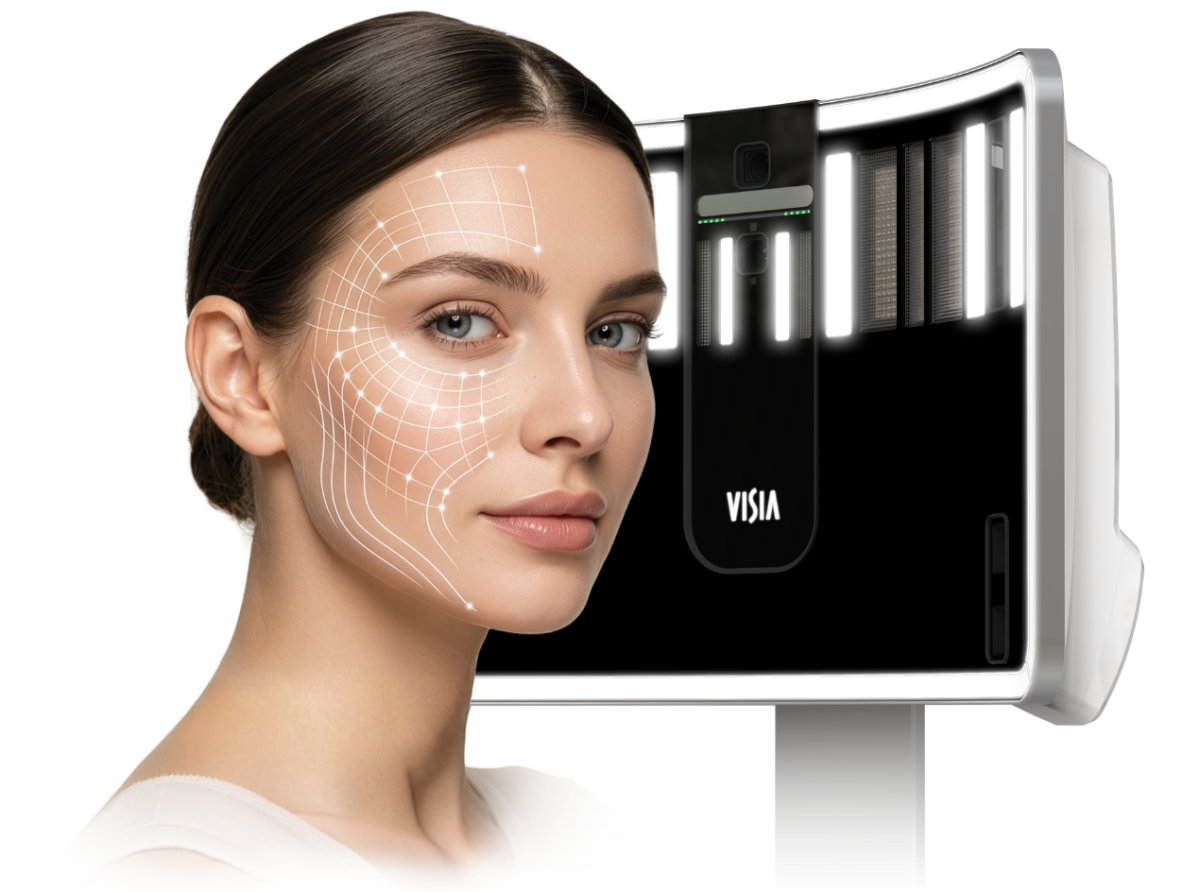
“The new 3D VISIA is a true breakthrough in imaging and facial analysis. It’s fast, intuitive, and consistently wows my patients. The image quality is exceptional, captured instantly with multiple lighting modes that deliver detailed, objective assessments of the skin and face. VISIA 3D has transformed how I evaluate, plan, and consult with my patients.”
New Jersey Plastic Surgery Montclair, New Jersey
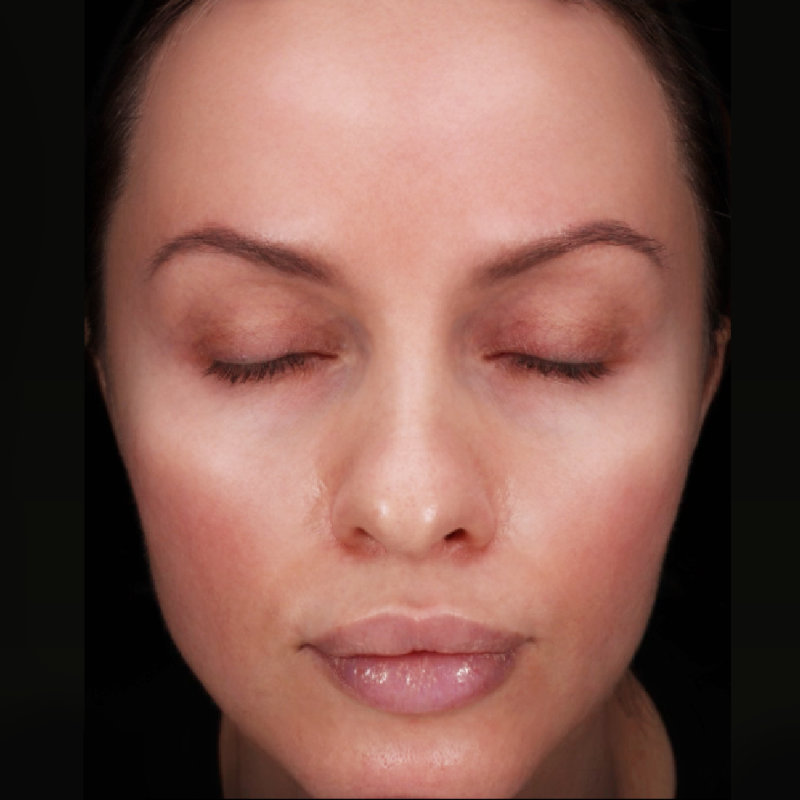
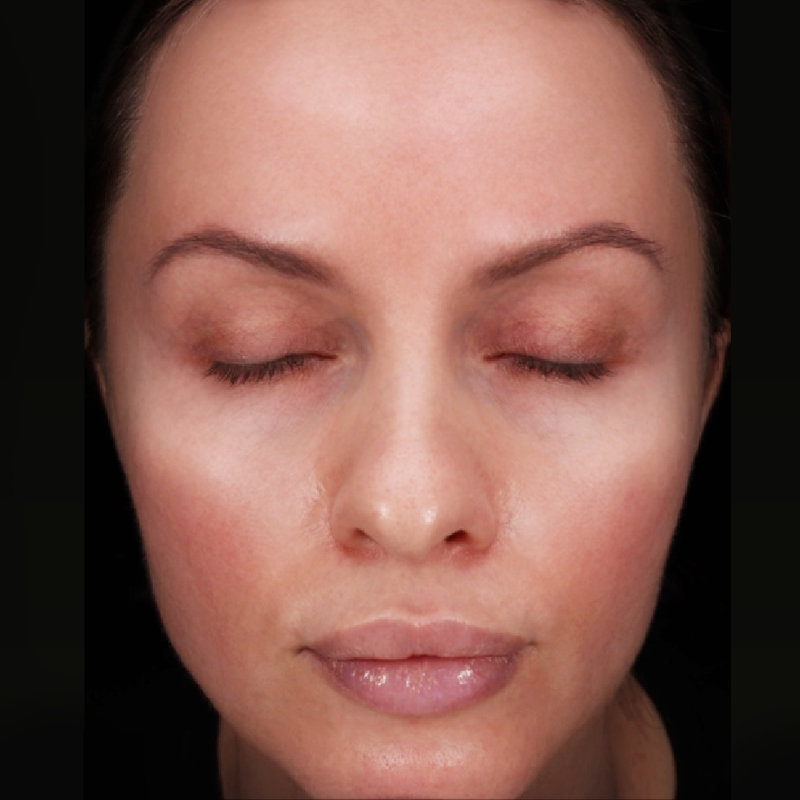
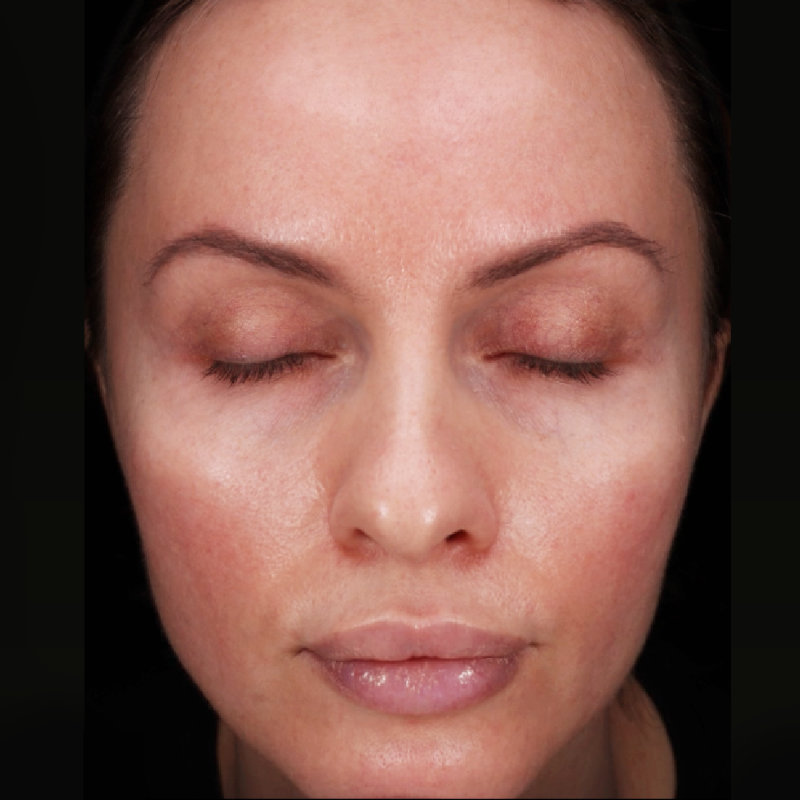
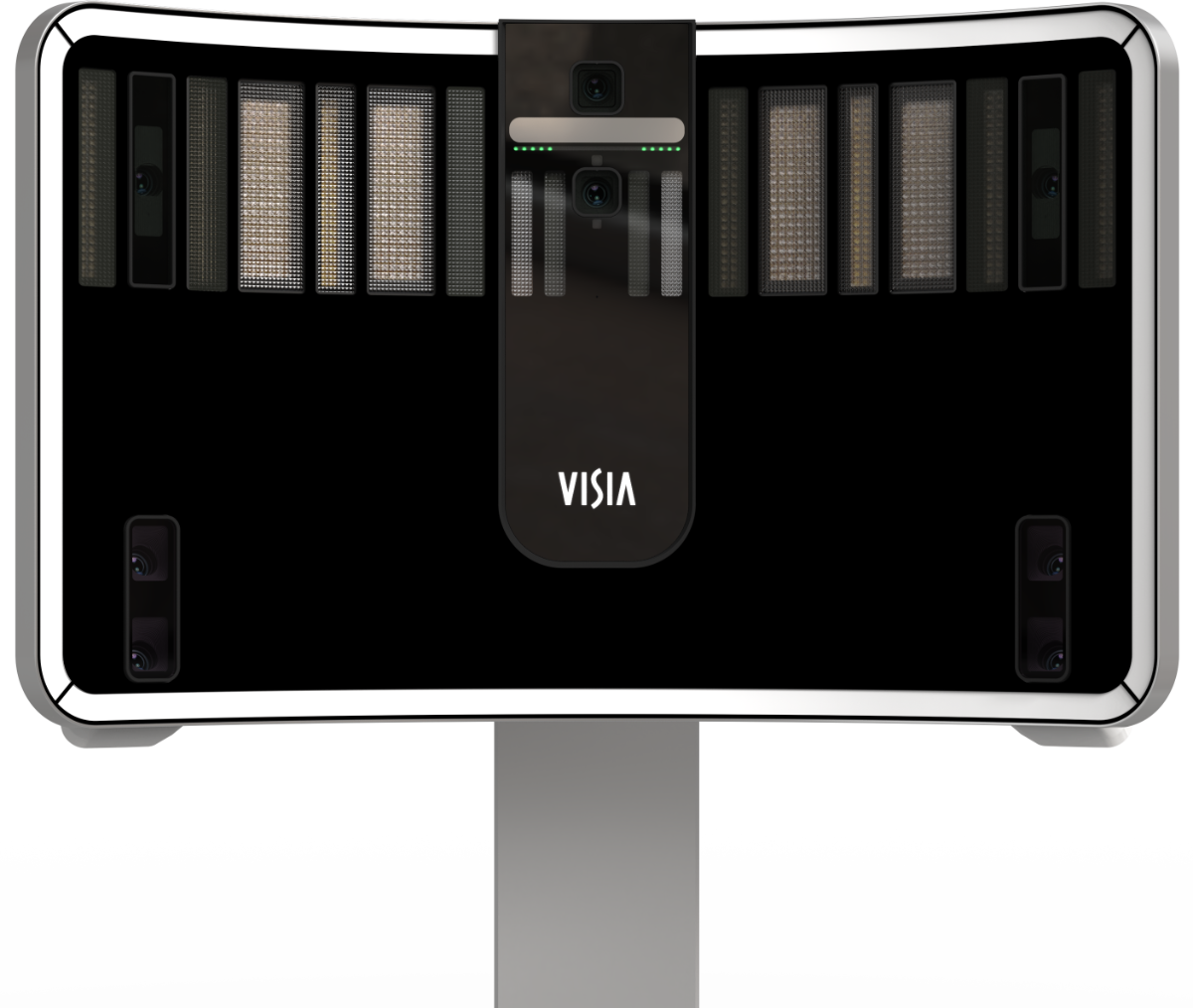
Lighting Modes
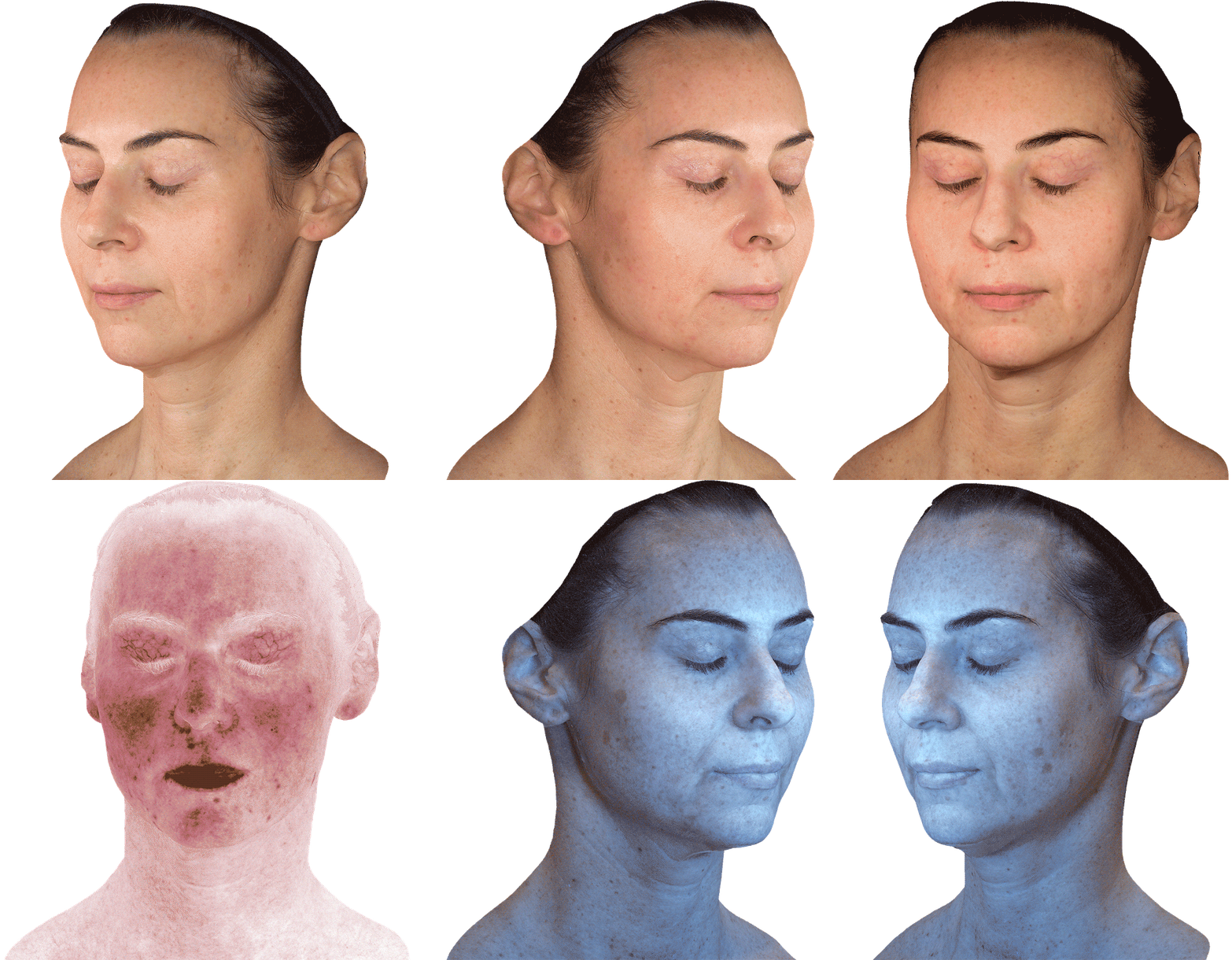
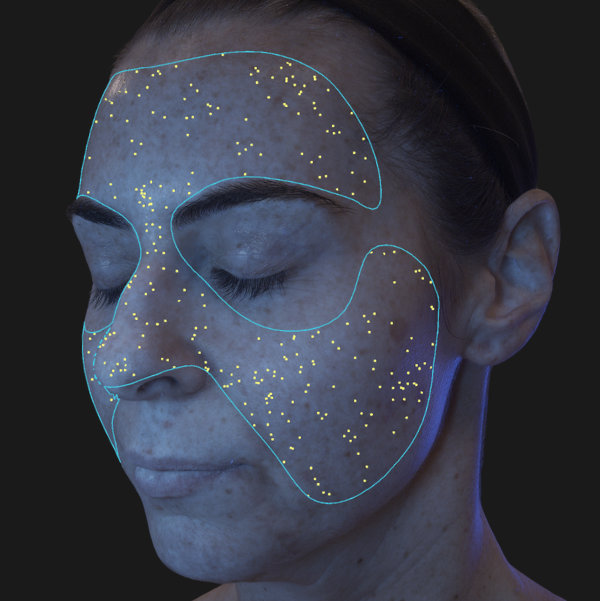
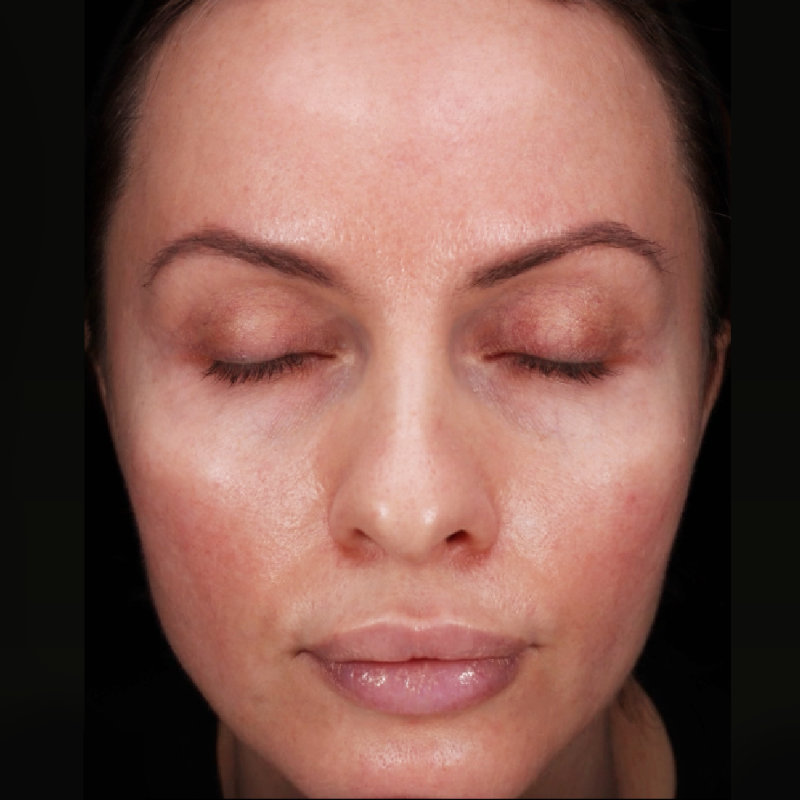
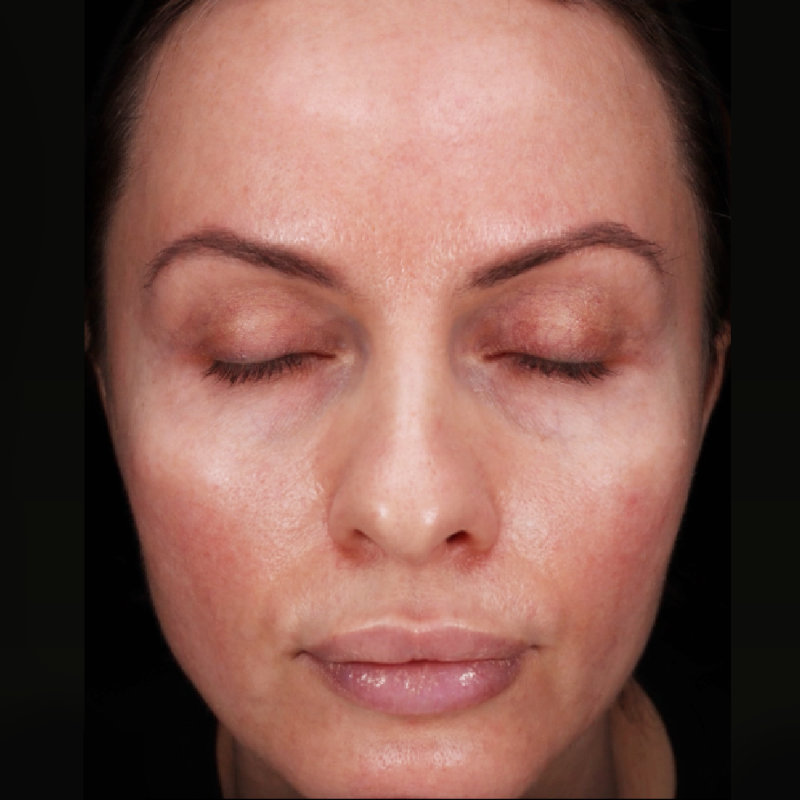
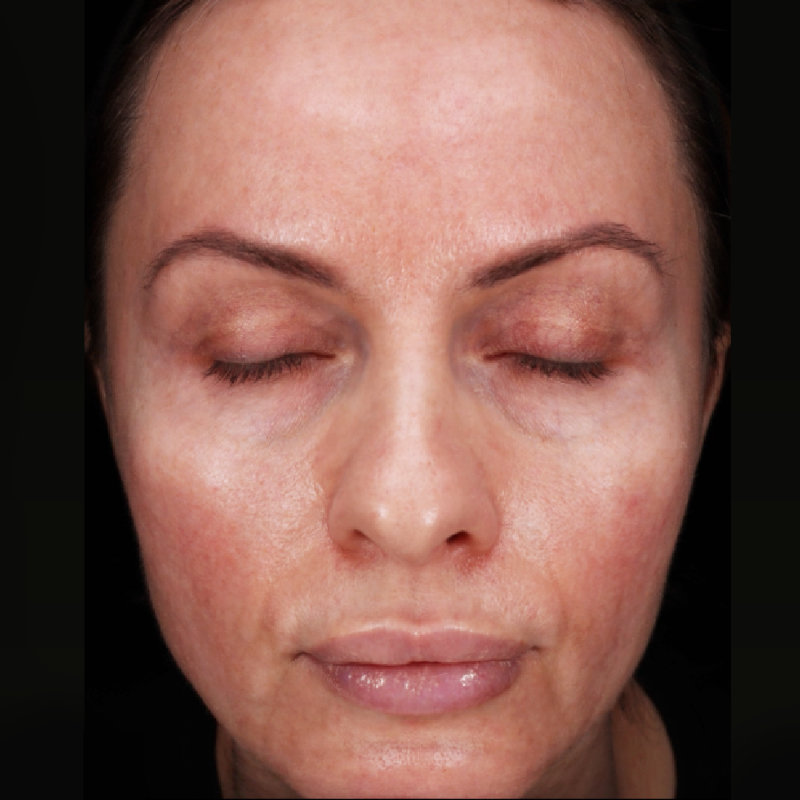
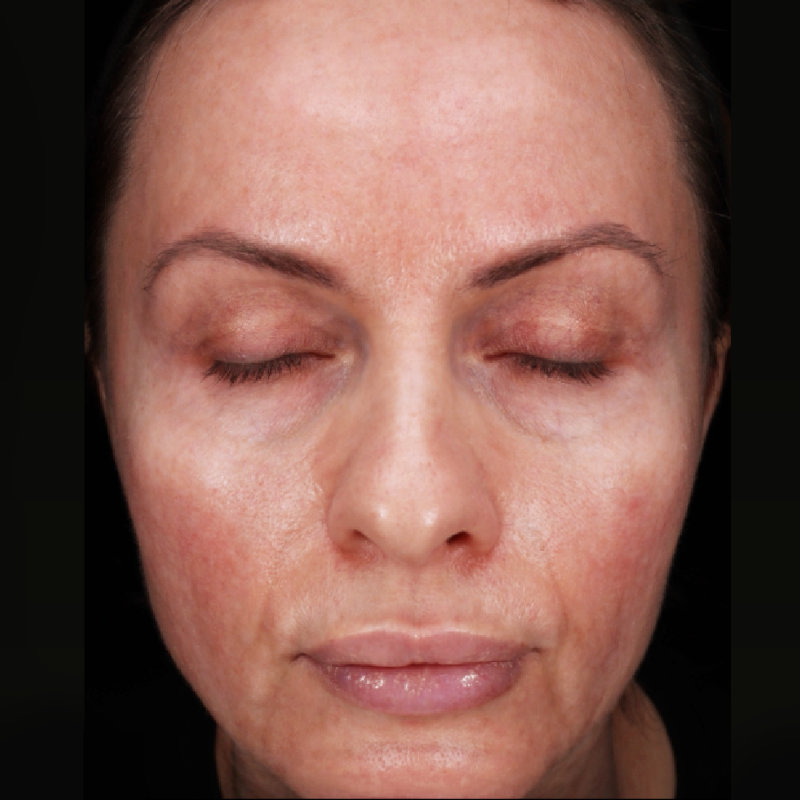
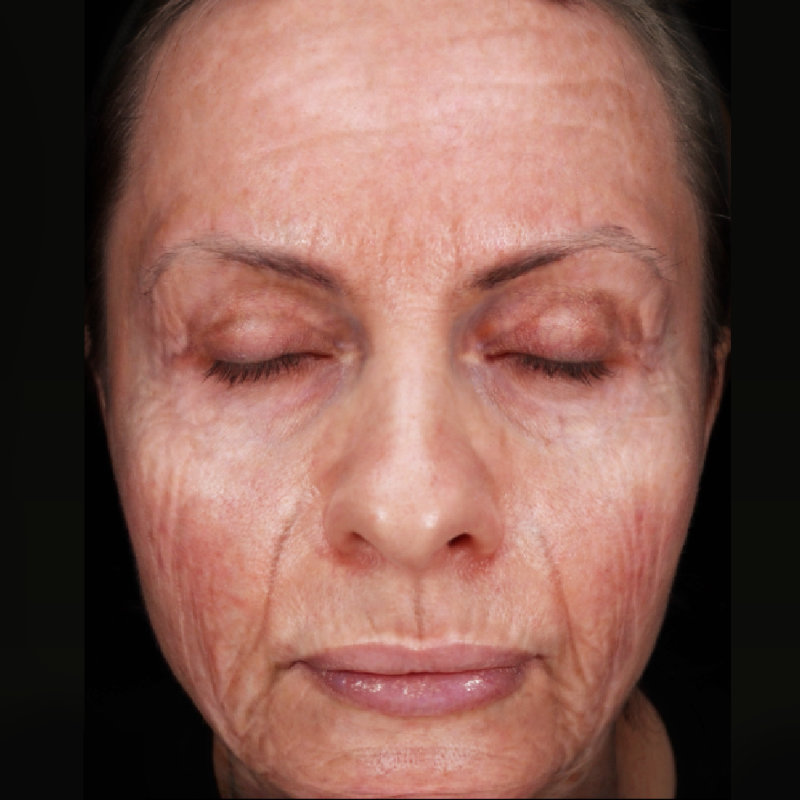
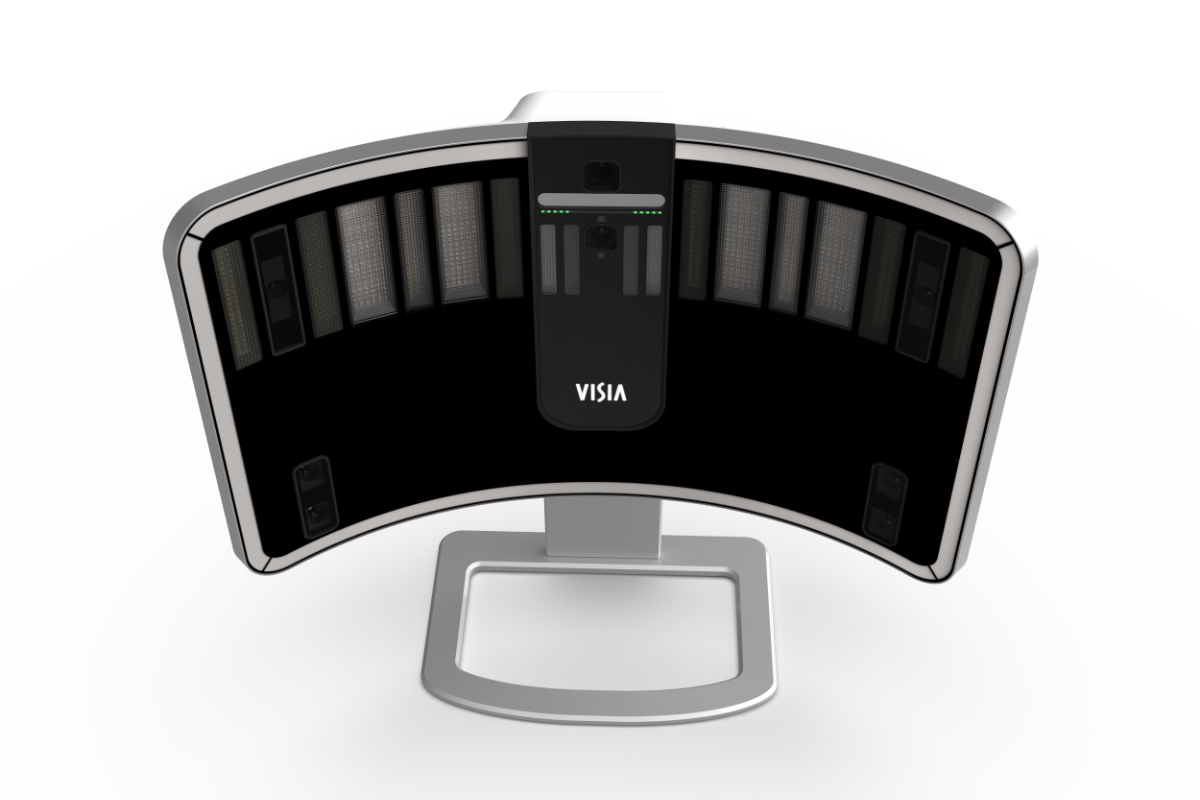
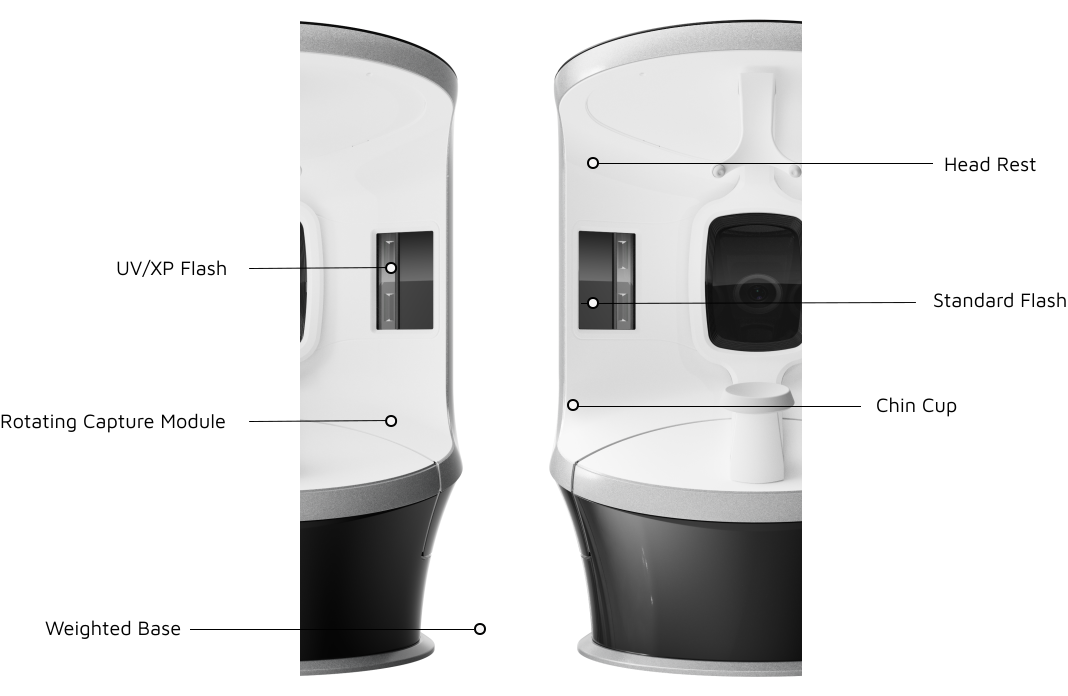
Standard, cross-polarized and UV lighting are used to record and measure surface and subsurface skin conditions. UV photography provides the most complete data set available for sun damage assessment and analysis, including UV fluorescence imaging to reveal porphyrins.
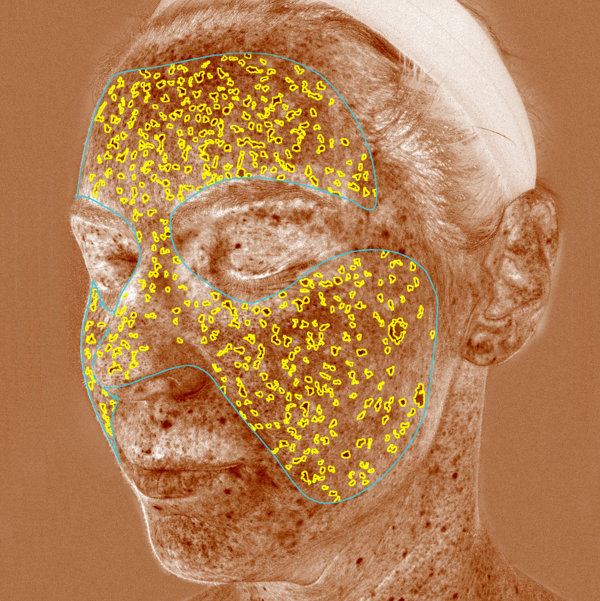
RBX® Technology
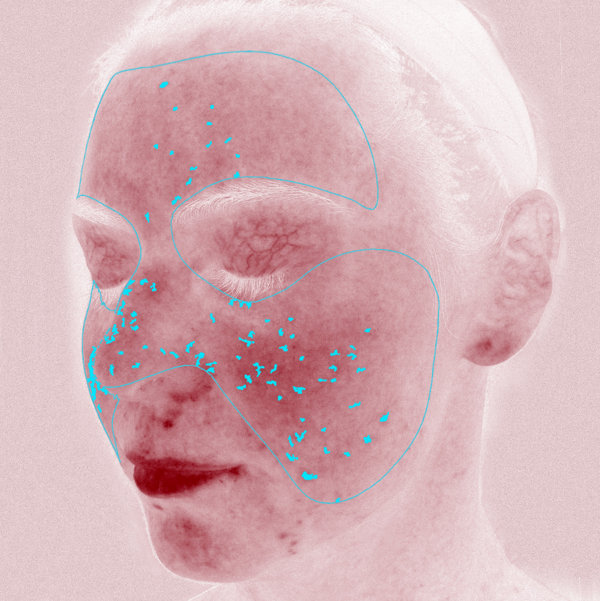
Canfield's RBX® Technology separates the unique color signatures of Red and Brown skin components for unequaled visualization of conditions that result in color concentration, such as spider veins, hyperpigmentation, inflammation and other conditions.
ADVANCED SKIN ANALYSIS
Show your clients their skin like they've never seen before.
Uncover both surface and subsurface skin features with unrivaled precision and efficiency. Communicate more effectively with clients about their current skin condition.
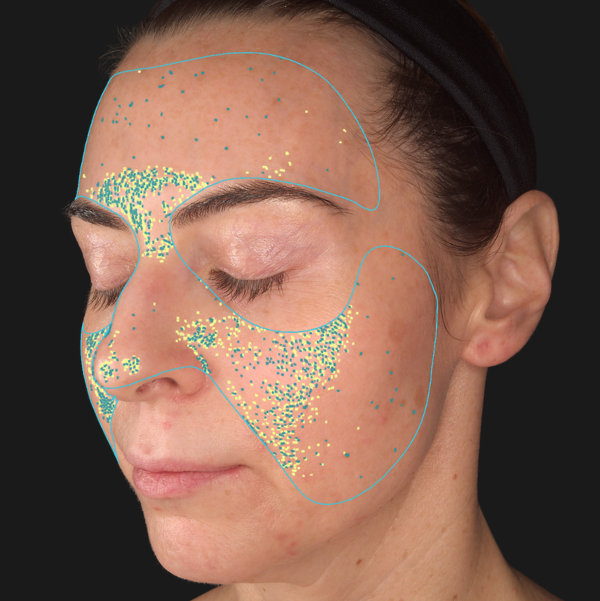
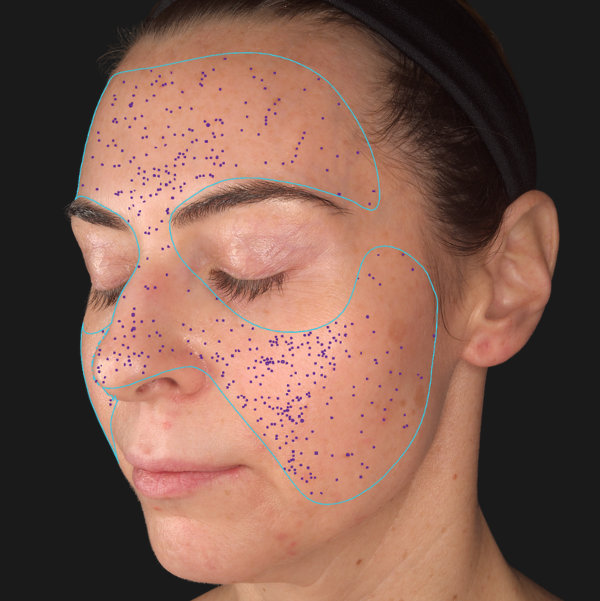
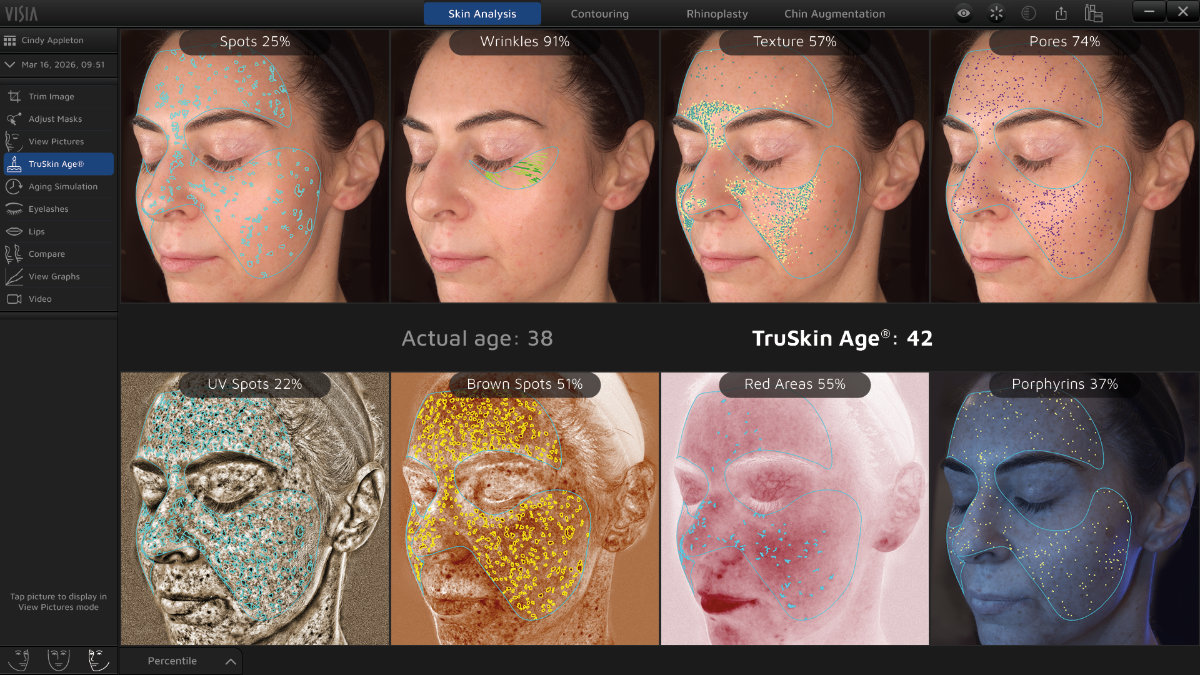
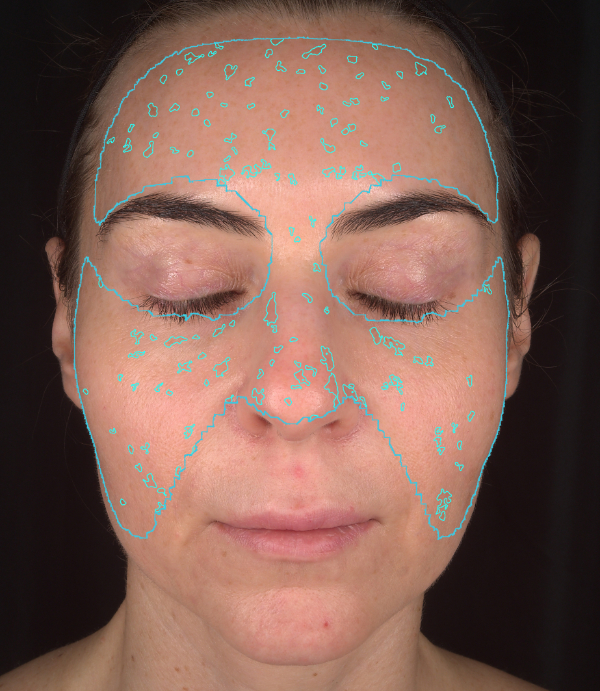
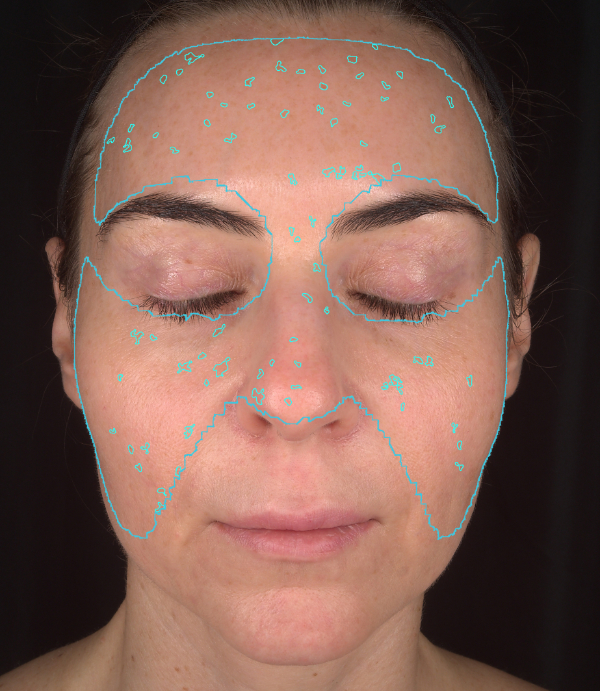
Spots
Wrinkles
Texture
Pores
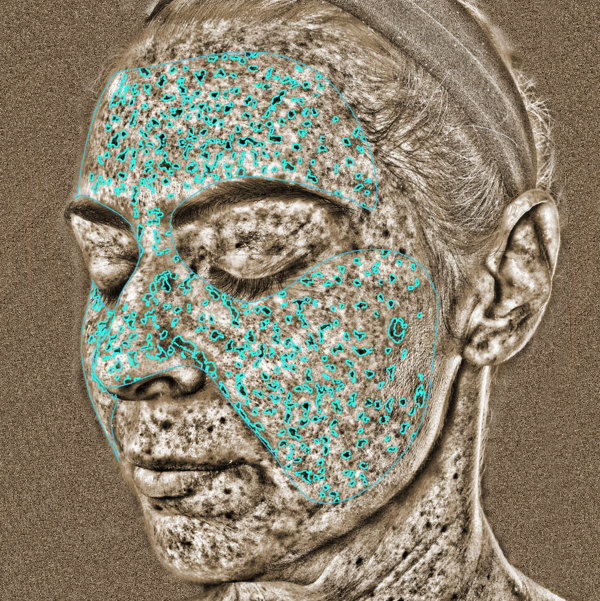
UV spots
Brown Spots
Red Areas
Porphyrins
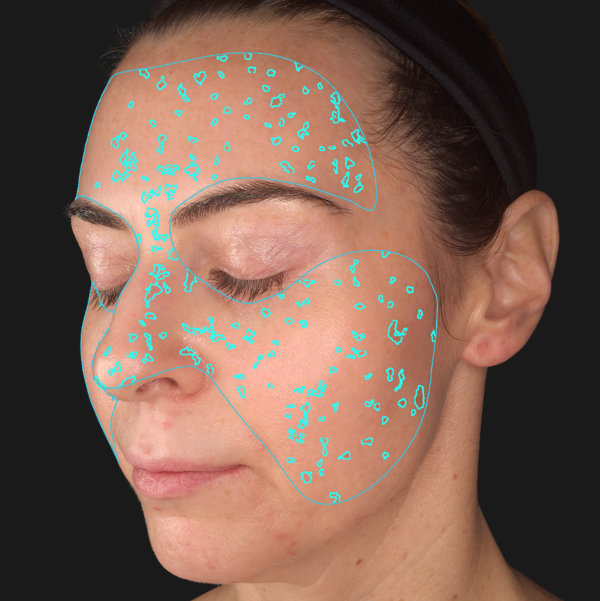
Spots
Typically brown or red marks, distinguishable by the distinct color and contrast from the background skin tone. Spots vary in size and shape, and visible to the naked eye.
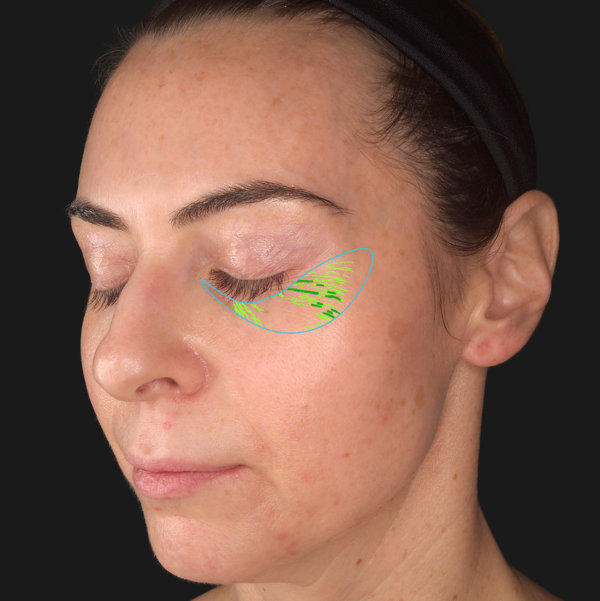
Wrinkles
Furrows, folds or creases in the skin that can increase as a result of sun exposure and are associated with a decrease in skin elasticity.
Texture
Raised and depressed areas that indicate variations on the skin surface affecting skin smoothness.
Pores
Circular surface openings of sweat gland ducts. Due to shadowing, enlarged pores appear darker than the surrounding skin tone and are identified by the darker color and circular shape.
UV Spots
The absorption of UV light by epidermal melanin just below the skin surface results in the display and detection of UV spots that can result from sun damage.
Brown Spots
Pigmentation and discoloration on and beneath the surface of the skin.
Red Areas
Concentrated darker red areas, which may be related to a variety of conditions such as inflammation or spider veins.
Porphyrins
Bacterial excretions that can become lodged in pores.
3D Sculptor Tools
Education to Conversion.
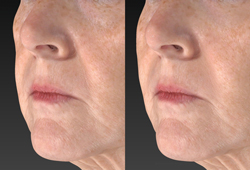
Help your patient decide on the best possible treatment plan by showing the difference between the likely outcome with single or multiple procedures.
Automated Measurements
Volume Difference
Contouring
Gray Mode
Simulation Tools
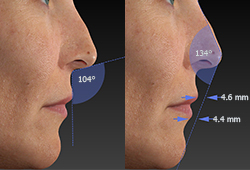
Automated Measurements
Only possible with 3D technology, help your patients understand their condition.
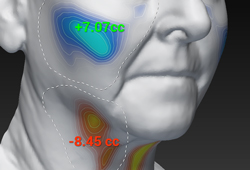
Volume Difference
Visualize the degree of contour change with a color distance map and one-click volume difference measurement.
Contouring
Simulate removing or adding volume.
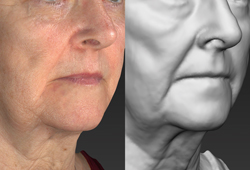
Gray Mode
Reveals contours without color distraction, presenting opportunities for corrective procedures.
Simulation Tools
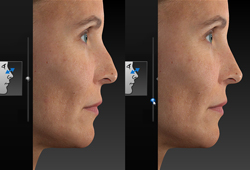
Simulate realistic 3D results with intuitive interface including slider-based adjustments for instantaneous three-dimensional rhinoplasty simulation.
POWERED BY AITruSkin Age®
VISIA uses the world’s largest skin feature database to assess your client’s skin condition and age.
It provides a revolutionary new metric to guide the selection of skin care products and treatments.
Compare results side by side or use VISIA’s comparison slider to dynamically reveal/hide any pair of features or time points, including graphs and numerical data.
Zoom and pan images in tandem for clear and easy comparisons.
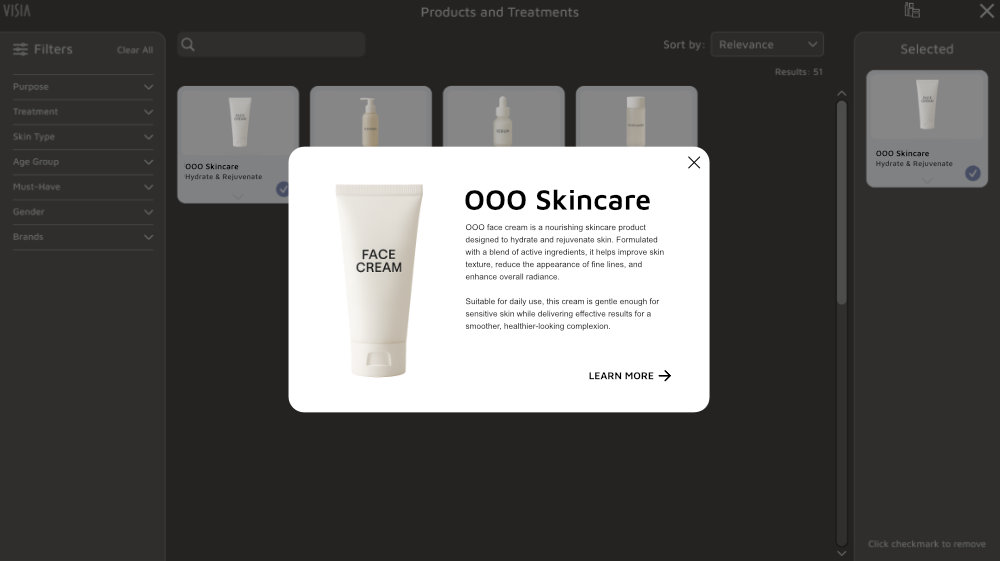
Easily add products, treatments and services to VISIA's built-in Industry Brand Library for a streamlined recommendations process that is personalized for your practice. Select from 200+ skin care products and treatments to provide each client clear, targeted recommendations, personalized for their plan.
Personalized Printed Reports record easy to understand information for use in client education and treatment planning.
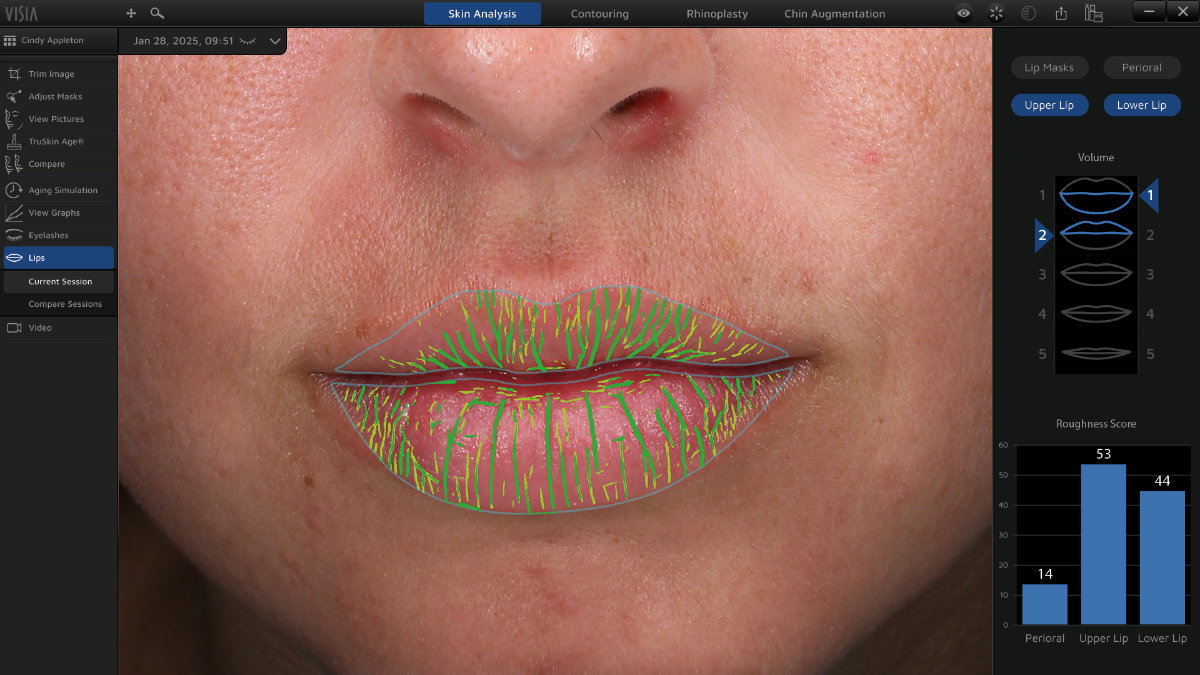
AI DrivenLip Assessment
Analyze volume and roughness of the lips and perioral area.
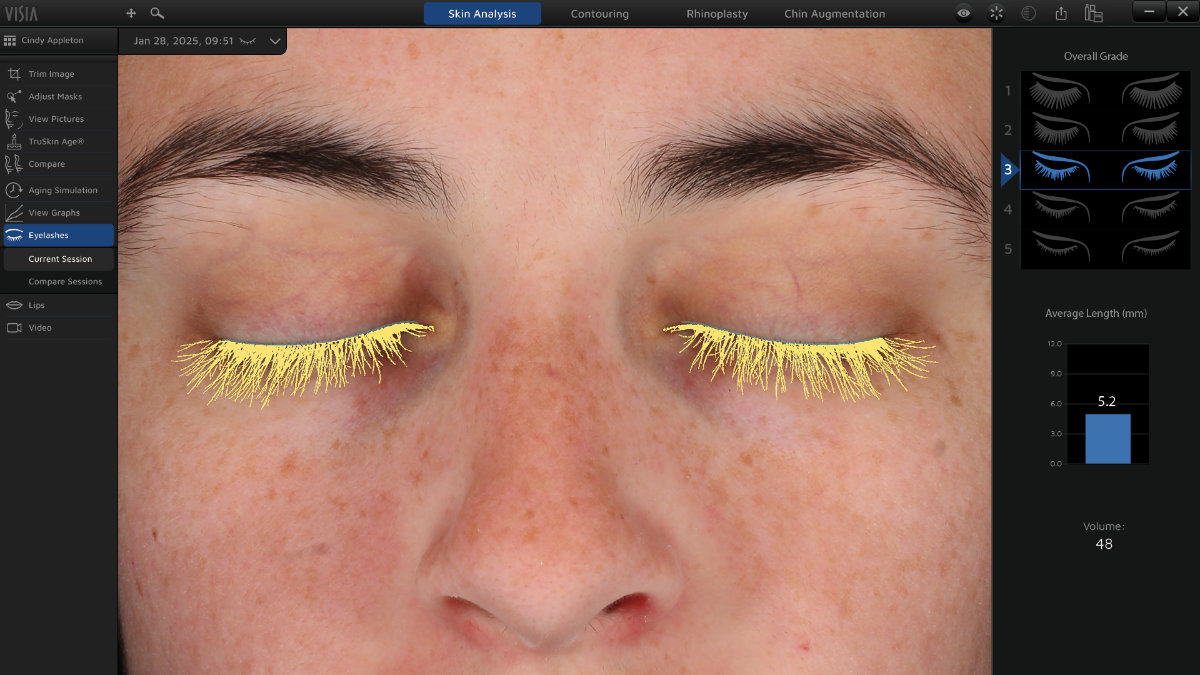
AI DrivenEyelash Analysis
Evaluate the results of lash improvement treatments with numerical assessments and graphic visualizations.
21374656667680
AdvancedAging Simulation
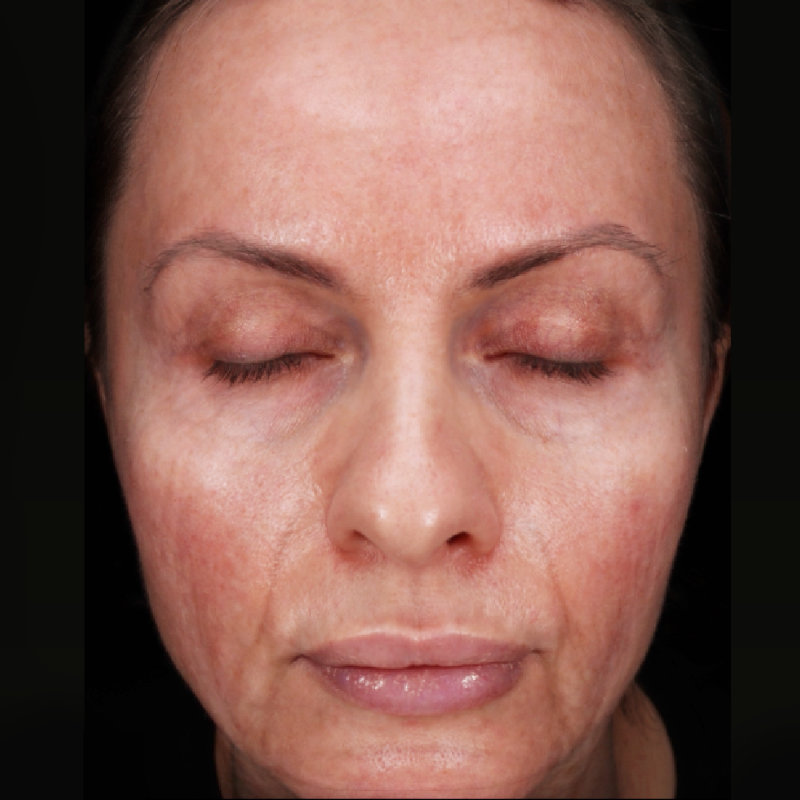
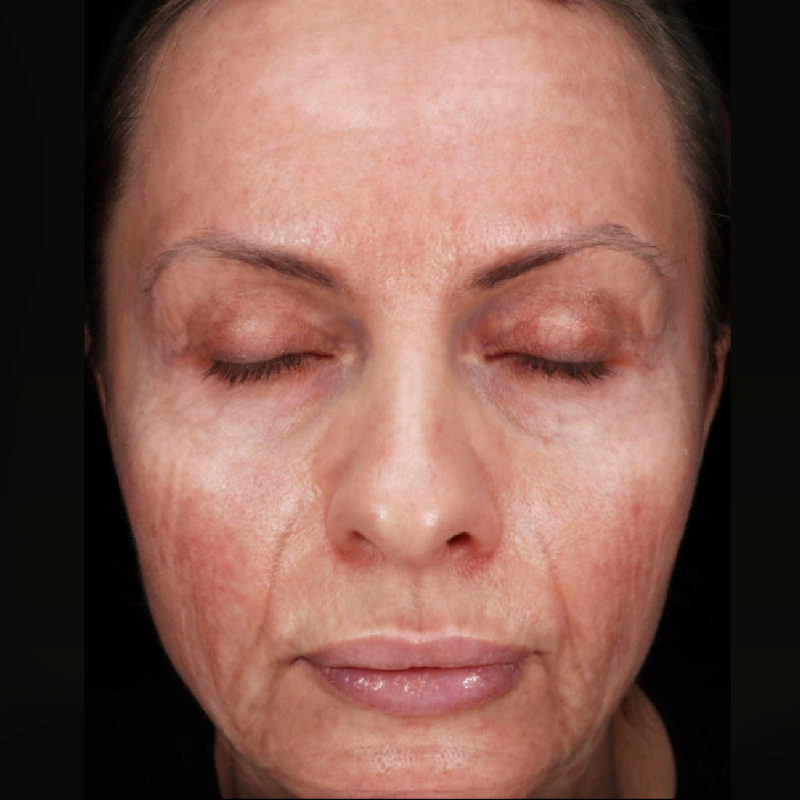
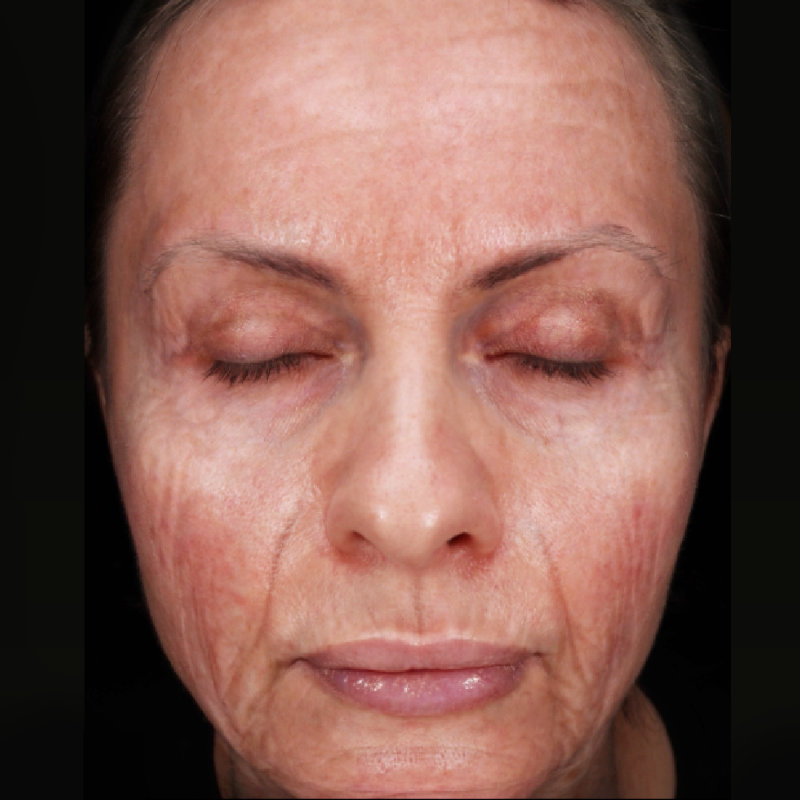
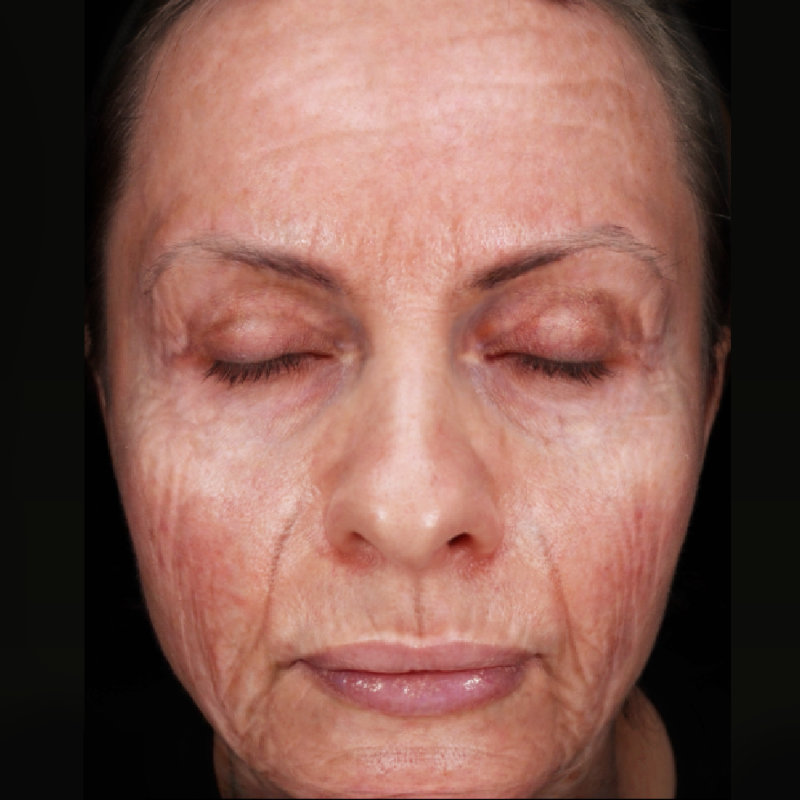
Using Canfield’s exclusive multi-ethnic aging study of a large database of subjects, Advanced Aging Simulation illustrates the effects of aging by simulating your client’s increase in age up to 80 years old.
Windows Computer Requirements for capture and consultation:
Operating system:
Windows 11 Professional 64 bit
NOT SUPPORTED: Windows Home Edition
Processor: Intel Core i9/Ultra 9, 14th Gen (or higher recommended)
System memory (RAM): 32 GB (or higher)
Minimum 1 GB available disk space for installing application
Minimum 500GB available disk space recommended for viewing data
1 USB-C port required for Booth communication (if using supplied USB to Ethernet adapter). 10 Gbps USB-C port recommended. 5 Gbps USB-C port minimum.
Graphics card:
4 GB dedicated memory minimum (or higher)
Dedicated nVidia or AMD cards
Display: 1920 x 1080 (FHD) minimum; 3840 x 2400 (4K) maximum
1 Gbps Ethernet connection for networking - remote DB access not supported over Wi-Fi
2.5Gbps or higher Ethernet connection for booth communication required (5Gbps USB-C to Ethernet adapter supplied)
Windows File Server Requirements:
Windows Server 2022 64-bit or 2025 64-bit
Microsoft SQL Server 2019 or 2022 (Express edition is installed by default)
2023 or newer processor
16GB or higher memory
1 Gbps wired LAN connectivity (Wi-Fi not supported)
1 Terabyte HDD recommended. Space required is dependent upon patient volume and settings.
RAID 1 - NOT SUPPORTED
Regularly scheduled backups are highly recommended
Mac Computer Requirements for capture and consultation:
Mac hardware: 2023 or newer
Operating system: macOS Tahoe 26.5.2 or higher
Processor: Apple M3 (M4 Pro or higher recommended)
System memory (RAM): 32 GB (or higher)
Minimum 2 GB available disk space for installing application
Minimum 500GB available disk space recommended for viewing data
Graphics card: M3 (M4 Pro or higher recommended)
Display: Effective resolution of 1920 x 1080 or greater
1 Gbps Ethernet connection for networking - remote DB access not supported over Wi-Fi
2.5Gbps or higher Ethernet connection for booth communication required (5Gbps USB-C to Ethernet adapter supplied)
Mac File Server Requirements:
Windows or Mac based server that meets Minimum Computer Recommendation
Windows OS:
Windows Server 2022 64-bit or 2025 64-bit
Microsoft SQL Server 2019 or 2022 (Express edition is installed by default)
1 Gbps wired LAN connectivity (Remote Database access over Wi-Fi not supported)
2023 or newer processor
16GB or higher memory
1 Terabyte HDD recommended. Space required is dependent upon patient volume, camera used, and settings.
RAID 1 - NOT SUPPORTED
Regularly scheduled backups are highly recommended
Built for Consistent ConsultationsAutomated Lift Counter
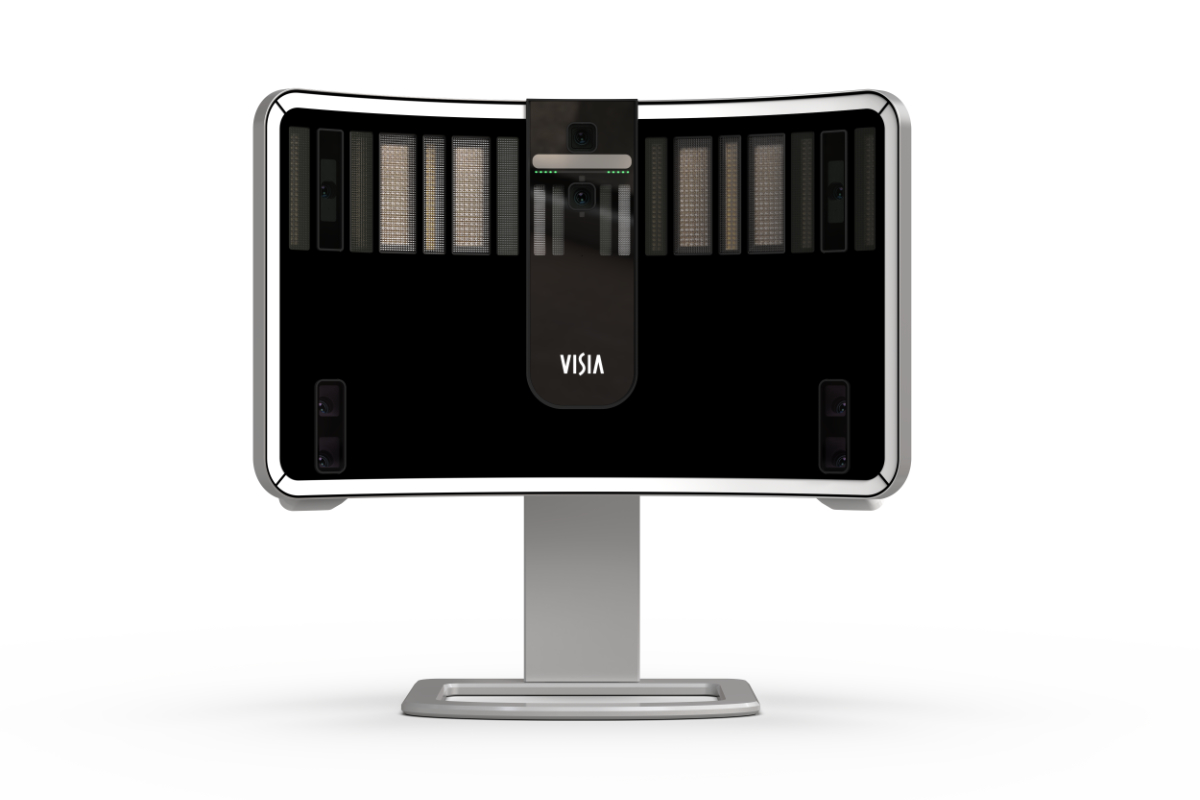
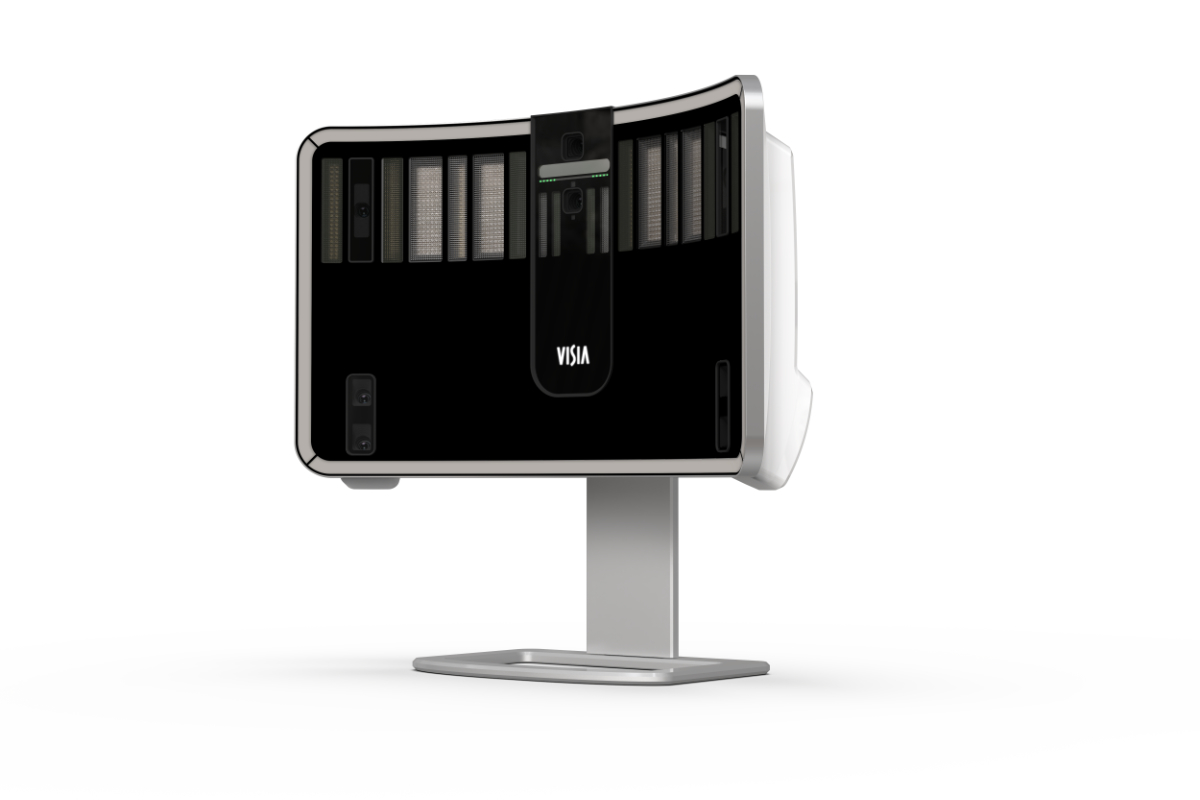
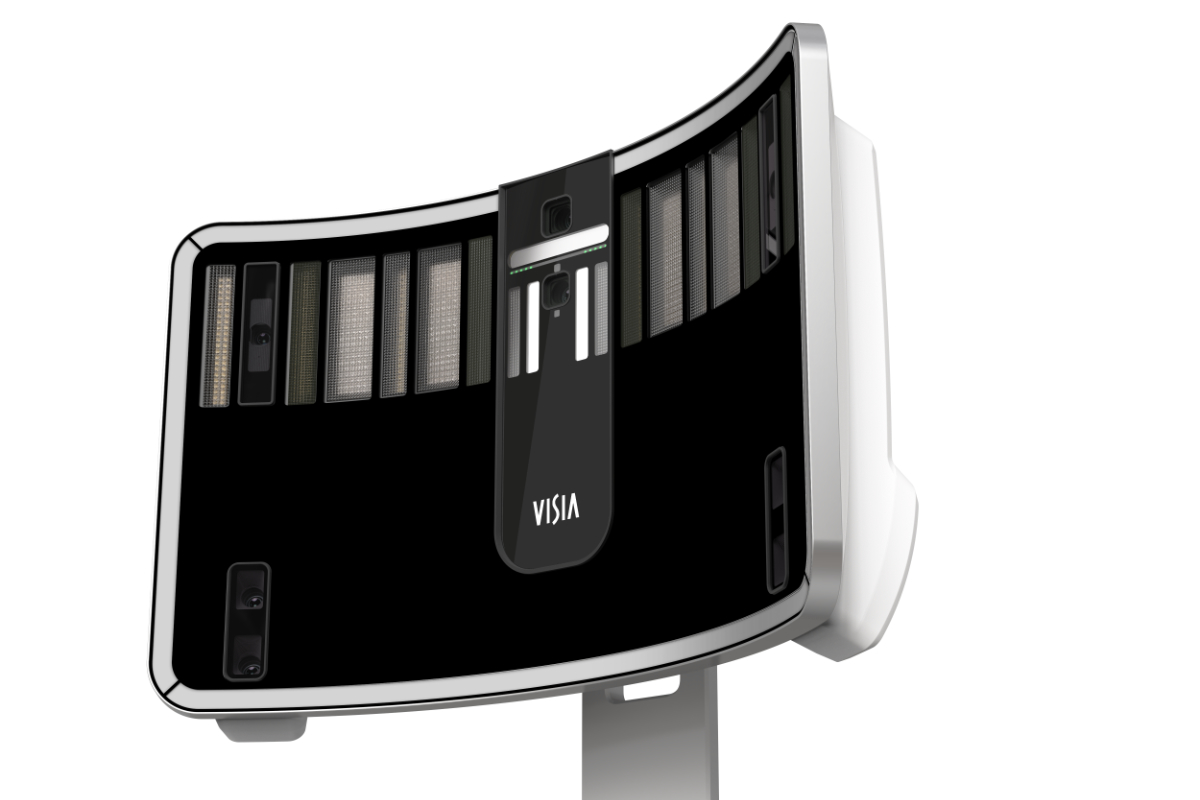
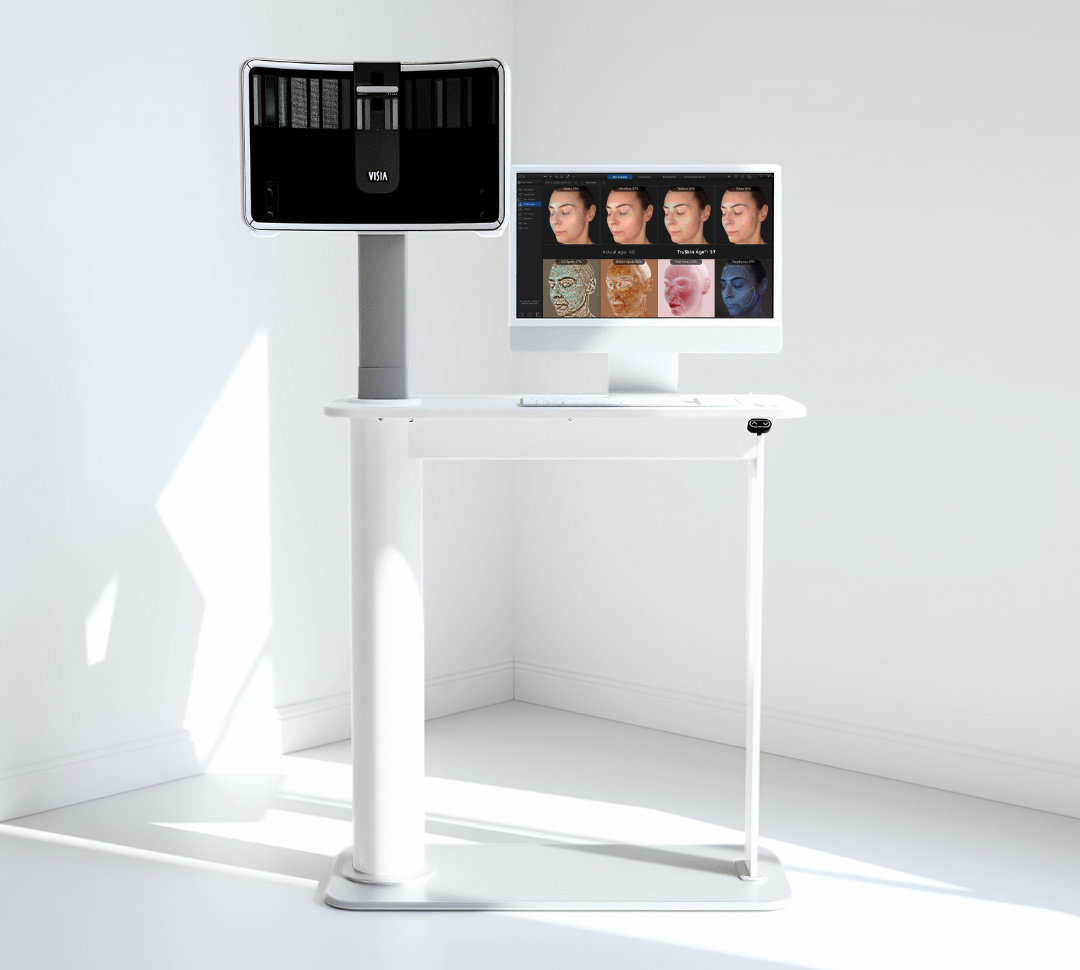
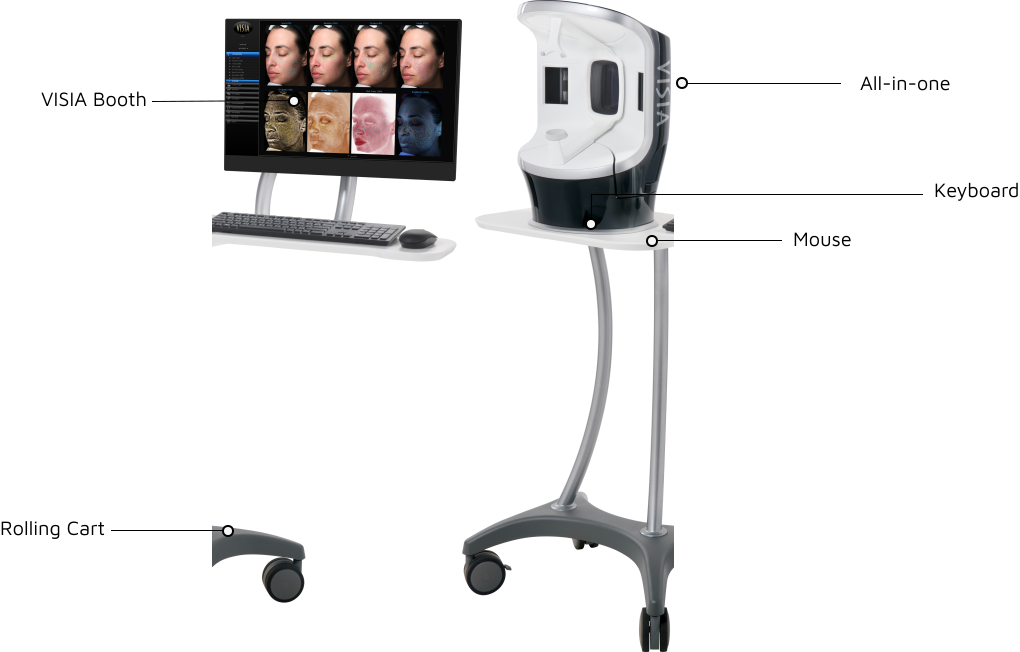
Designed exclusively for the VISIA 3D, this sleek automated counter instantly elevates every consultation space. With the push of a button, the VISIA 3D adjusts effortlessly to the patient’s height, providing precise positioning for your consultations.
Centered: 13 x 14.2 x 20.9 in (32.9 x 36 x 53.1 cm)
Total footprint with 3 position swing: 15 x 22.9 x 20.9 in (38.1 x 58.2 x 53.1 cm)
Weight: 31 lbs. (14 kg)
Power
Voltage: 100 to 240 Volts AC (+/- 10%)
Frequency: 50/60 Hz (+/- 3 Hz)
Current: 3 A (rms)
Workstation
16 GB RAM
Intel i5 or AMD equivalent processor required, 2.2 GHz or faster. ARM-based PC processors are not supported
Minimum 10 GB available disk space for installing application
250 GB available disk space recommended for data
Monitor: 1280 x 900 (4K monitors supported at maximum 150% magnification)
USB Ports: 2 dedicated ports (USB 2.0)
1 Gbps wired LAN connectivity (Wi-Fi not supported)
Windows 10 or 11 (Professional 64 Bit) - Recommended
Windows Home Edition & Windows VISTA – NOT SUPPORTED
VISIA iPad® App - Purchased Separately
Minimum support of 802.11n or later protocol by the intra-office Wi-Fi router
Requires iPad capable of running the current version of iOS
SQL Server
Windows Server 2019 64-bit and 2022 64-bit
Microsoft SQL Server 2019 or 2022 (Express edition is installed by default)
2.2 GHz or faster processor
16 GB RAM (or higher)
1 Gbps wired LAN connectivity (Wi-Fi not supported)
1 Terabyte HDD, minimum. Space required is dependent upon patient volume, camera used, and settings.
RAID 1 - NOT SUPPORTED
Space required dependent upon patient volume and camera used/settings
Regularly scheduled backups are highly recommended
Notes
Users must be logged on with local administrator privileges.
Serial Numbers below 947249 are no longer supported. Contact Canfield for trade in / upgrade options.
The serial number is located next to the USB port on the rear panel.
We do not support using a server class OS as a workstation.
WAN Connectivity is NOT supported.
A minimum of 1 Gbps network speed is required to access the storage location of the live copy of the data (10 Gbps recommended). Wi-Fi is not supported for workstation connectivity.
Maximum 25ms latency required to the storage location of the live copy of the data.
Anti-virus exceptions must be put in place to avoid any latency.
SSD Storage is highly recommended.
Cloud storage (Azure, AWS, Google Cloud, Etc.) is not supported for storing data, but can be used for backup purposes.
RAID 1 is not supported.
The Machines/PC/Server where the Canfield services are running must have a static IP address
In a networked environment, the services(s) need to run with a dedicated service account where the password does not expire and it has access to the DB and the images folder
Centered: 13 x 14.2 x 20.9 in (32.9 x 36 x 53.1 cm)
Total footprint with 3 position swing: 15 x 22.9 x 20.9 in (38.1 x 58.2 x 53.1 cm)
Weight: 31 lbs. (14 kg)
Power
Voltage: 100 to 240 Volts AC (+/- 10%)
Frequency: 50/60 Hz (+/- 3 Hz)
Current: 3 A (rms)
Workstation
16 GB RAM
Intel i5 or AMD equivalent processor required, 2.2 GHz or faster. ARM-based PC processors are not supported
Minimum 10 GB available disk space for installing application
250 GB available disk space recommended for data
Monitor: 1280 x 900 (4K monitors supported at maximum 150% magnification)
USB Ports: 2 dedicated ports (USB 2.0)
1 Gbps wired LAN connectivity (Wi-Fi not supported)
Windows 10 or 11 (Professional 64 Bit) - Recommended
Windows Home Edition & Windows VISTA – NOT SUPPORTED
VISIA iPad® App - Purchased Separately
Minimum support of 802.11n or later protocol by the intra-office Wi-Fi router
Requires iPad capable of running the current version of iOS
SQL Server
Windows Server 2019 64-bit and 2022 64-bit
Microsoft SQL Server 2019 or 2022 (Express edition is installed by default)
2.2 GHz or faster processor
16 GB RAM (or higher)
1 Gbps wired LAN connectivity (Wi-Fi not supported)
1 Terabyte HDD, minimum. Space required is dependent upon patient volume, camera used, and settings.
RAID 1 - NOT SUPPORTED
Space required dependent upon patient volume and camera used/settings
Regularly scheduled backups are highly recommended
Notes
Users must be logged on with local administrator privileges.
Serial Numbers below 947249 are no longer supported. Contact Canfield for trade in / upgrade options.
The serial number is located next to the USB port on the rear panel.
We do not support using a server class OS as a workstation.
WAN Connectivity is NOT supported.
A minimum of 1 Gbps network speed is required to access the storage location of the live copy of the data (10 Gbps recommended). Wi-Fi is not supported for workstation connectivity.
Maximum 25ms latency required to the storage location of the live copy of the data.
Anti-virus exceptions must be put in place to avoid any latency.
SSD Storage is highly recommended.
Cloud storage (Azure, AWS, Google Cloud, Etc.) is not supported for storing data, but can be used for backup purposes.
RAID 1 is not supported.
The Machines/PC/Server where the Canfield services are running must have a static IP address
In a networked environment, the services(s) need to run with a dedicated service account where the password does not expire and it has access to the DB and the images folder



 BROCHURE