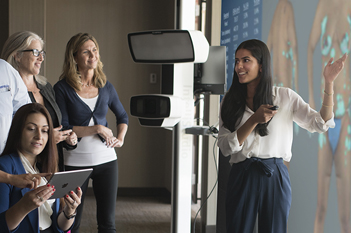

The ALL NEW Mirror Mobile iPad® app enables impactful image-based consultations.
The ALL NEW Mirror Mobile iPad® app enables impactful image-based consultations.
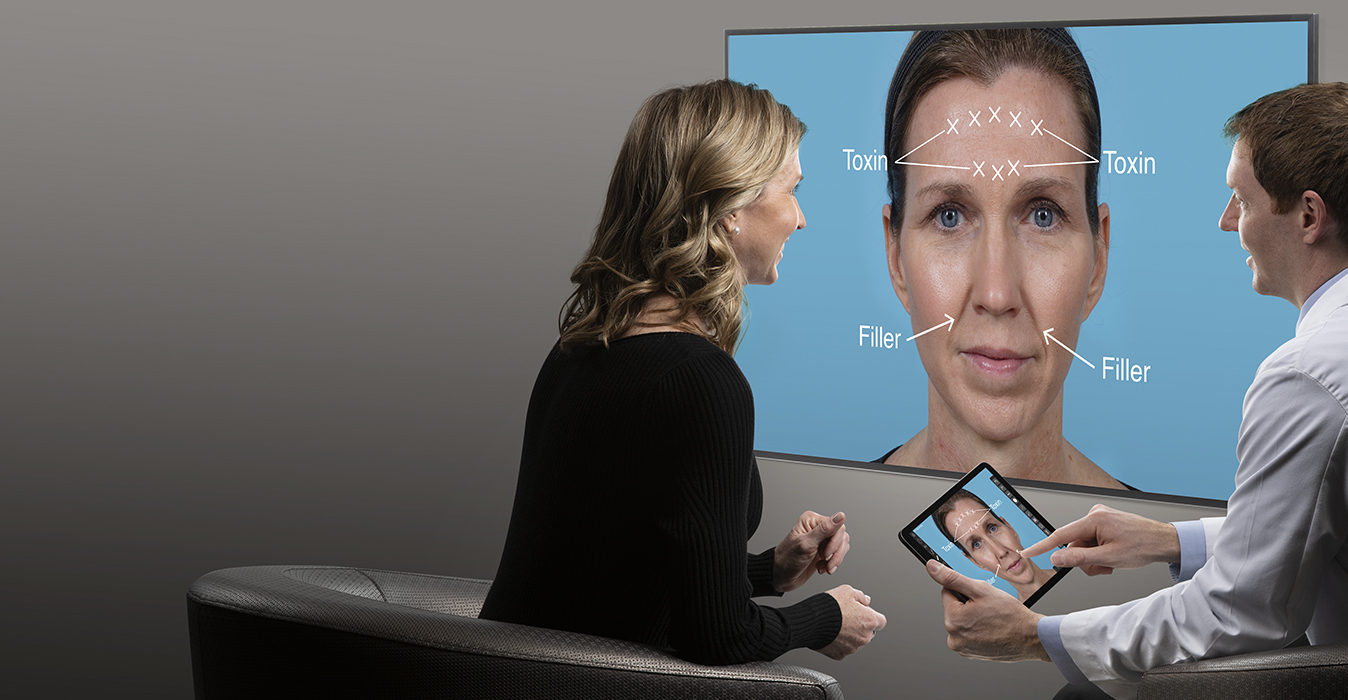
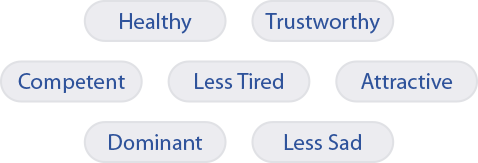
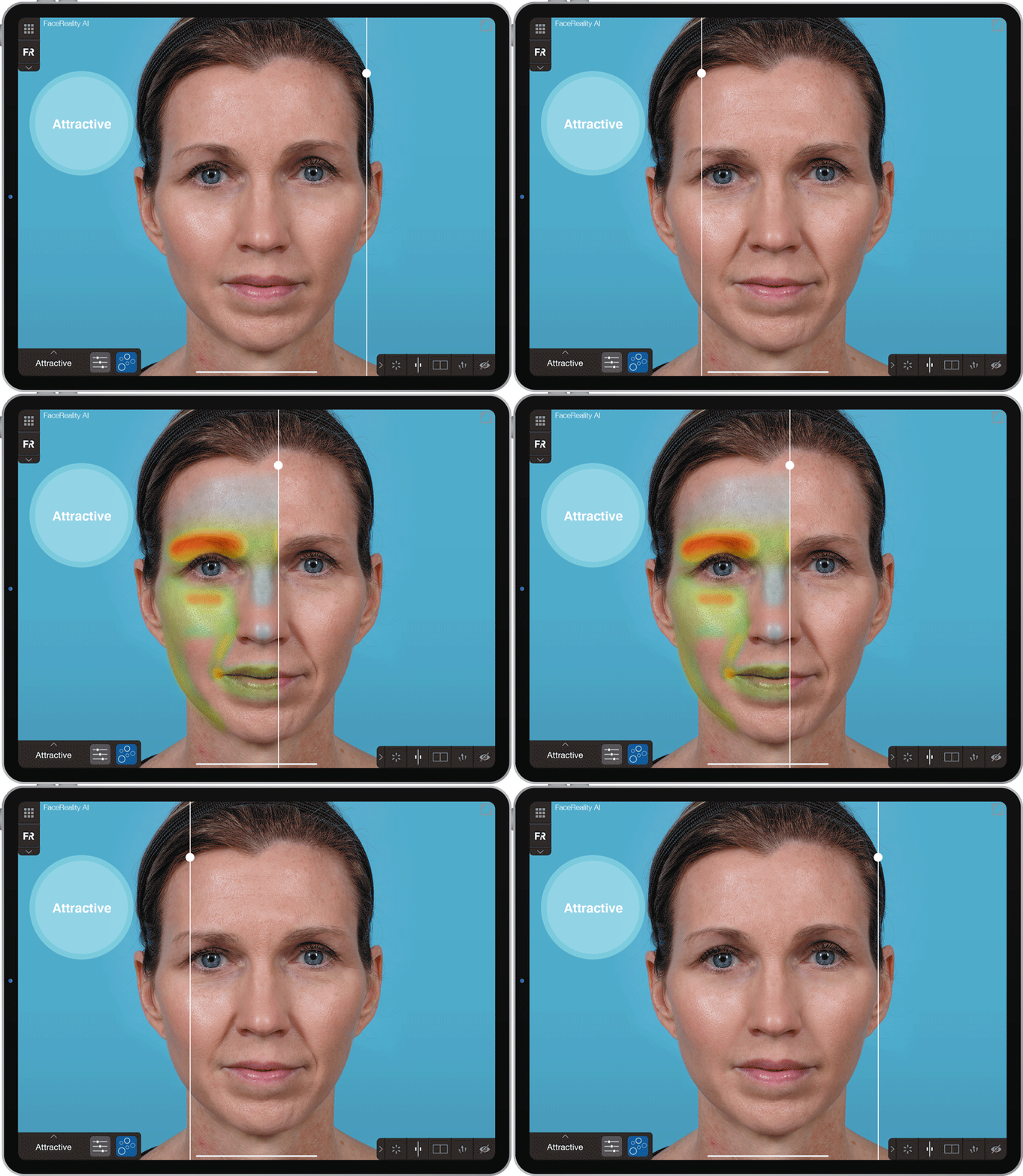
AI based simulations instantly communicate areas of improvement for your patients to understand how you can improve their First Impression.
Mirror's comprehensive simulation tools including warp, wrinkle, resurface, and airbrush, enable easy, intuitive 2D simulation of treatments and procedures such as neurotoxins, dermal fillers, laser procedures, microdermabrasion, face lift, neck lift, rhinoplasty, chin augmentation, liposuction, blepharoplasty, and more.
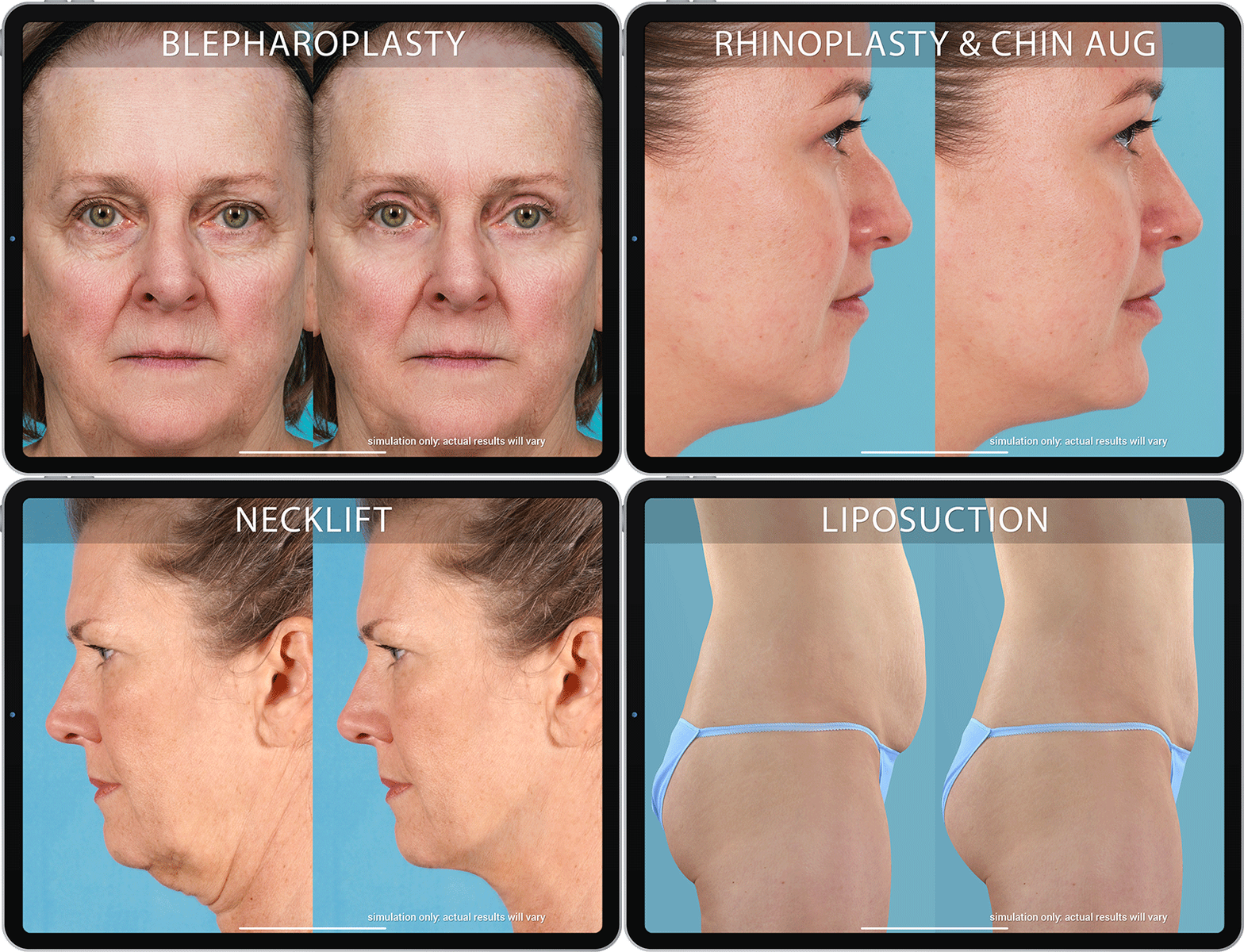
Mirror's modular system provides maximum flexibility and value to fit your practice today and in the future. Maximize what you can do with patient images.


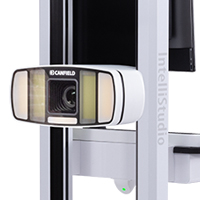
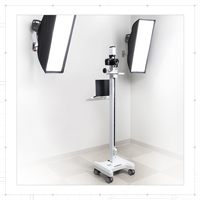
Mirror PhotoFile is the backbone for seamless integration with medical image capture systems including VECTRA® 3D, VISIA®, Reveal®, and IntelliStudio®. View all of a patient's images on one screen with PhotoFile's patient chart structure including robust image viewing tools, cusomizable attributes, preconfigured and customizable diagnosis and procedure libraries. World-class medical image management in a HIPAA compliant environment.
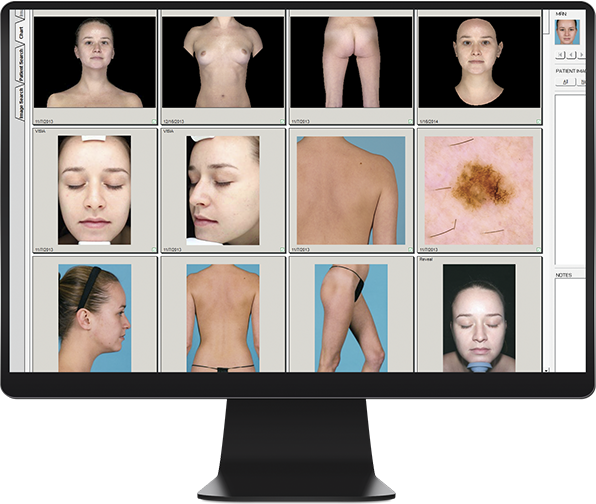

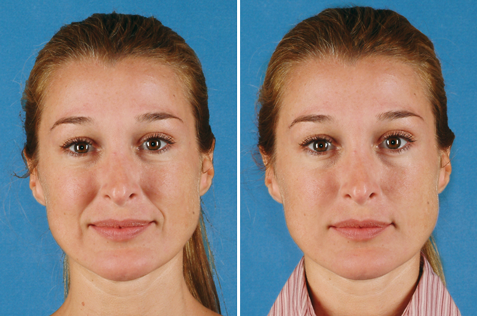
Mirror PhotoTools adds an invaluable tool set for enhancing communication and optimizing images.

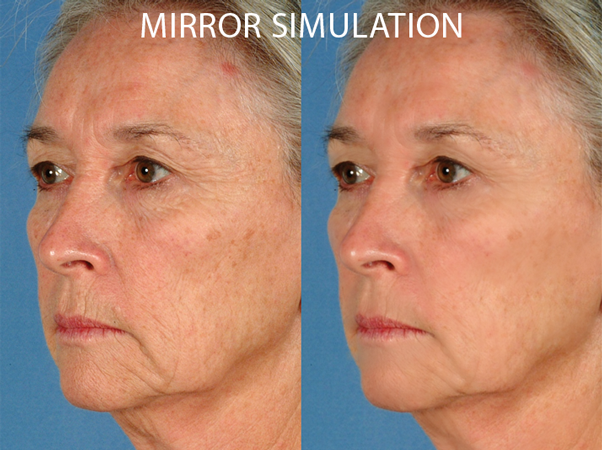
Mirror Rejuvenation adds tools for simulating skin rejuvenation procedures to help manage client expectations and drive business to your practice.
Easily simulate the benefits of procedures such as neurotoxins, dermal fillers, laser procedures, microdermabrasion, and more.

Mirror Suite combines PhotoFile, PhotoTools, Rejuvenation, and 2D simulation tools in one fully integrated solution for medical image management, visual communication and aesthetic simulation. Discover for yourself why so many leading aesthetic practices around the world rely on Mirror Suite for all their patient imaging.
“
I’ve had experience with Canfield products starting when I was in the US Military, with 3D cameras, and have been a user of Canfield technology at multiple locations over time. I have been able to watch the software and technology evolve over the last decade and a half.
”
 Anand Kumar, MD, FACS, FAAP,University Hospital, Cleveland
“
We have a diverse, image intensive practice that includes VECTRA® 3D and VISIA systems. With a common interface to our central patient database, Mirror is the foundation for all of our clinical imaging applications.
”
 William Burden, MD, FACS,Destin Plastic Surgery
“
It's one thing to explain to someone what you have in mind, it's quite another to actually sit down and show it to them. Mirror allows me to express myself - to communicate better.
”
 Richard Cummings, MD,Board Certified Plastic SurgeonCummings Plastic Surgery
| Model | SD Import Support |
Tethered Support |
Settings Template Support |
|---|---|---|---|
| Windows® and macOS® | Windows® only | ||
| • Canon R5 | ✓ | ✓ | ✓ |
| • Canon R7 | ✓ | ✓ | ✓ |
| • Canon EOS R100 | ✓ | ✓ | ✓ |
| • Canon Rebel T7i*, T8i* | ✓ | ✓ | ✓ |
| • Canon Rebel T6i* | ✓ | ✓ | |
| • Canon Rebel T1i*, T2i*, T3i*, T4i* | ✓ | ||
| • Canon Rebel SL1*, SL2* | ✓ | ||
| • Nikon D90*, D800*, D7100* | ✓ | ||





 Brochure