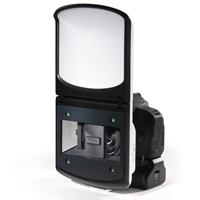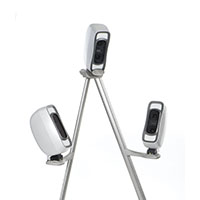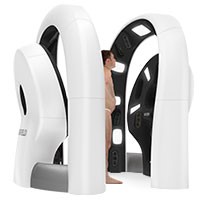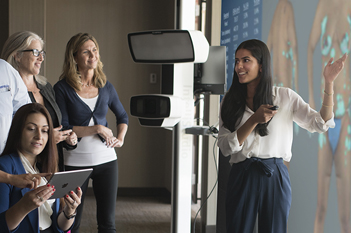

Complete 3D Imaging Solution for Body, Breast, and Face
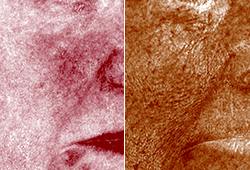
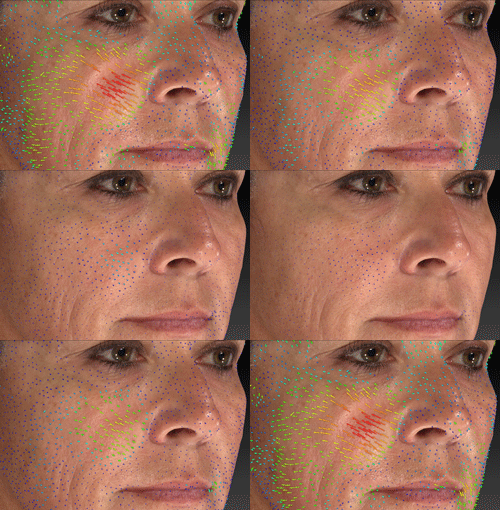
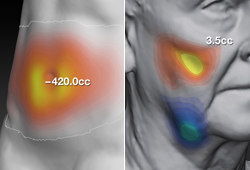
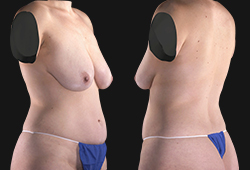
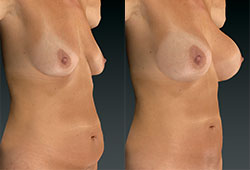
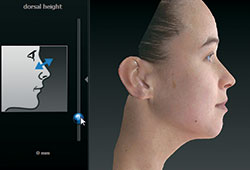
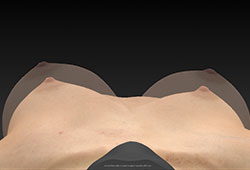
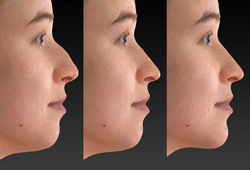
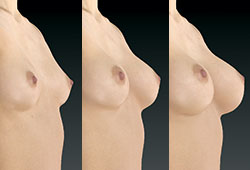
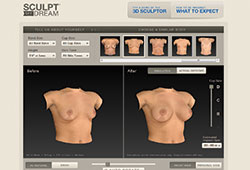
Capture face, breast, and body images in ultra-high resolution 3D, and show your patients the exciting possibilities of their simulated aesthetic procedures.
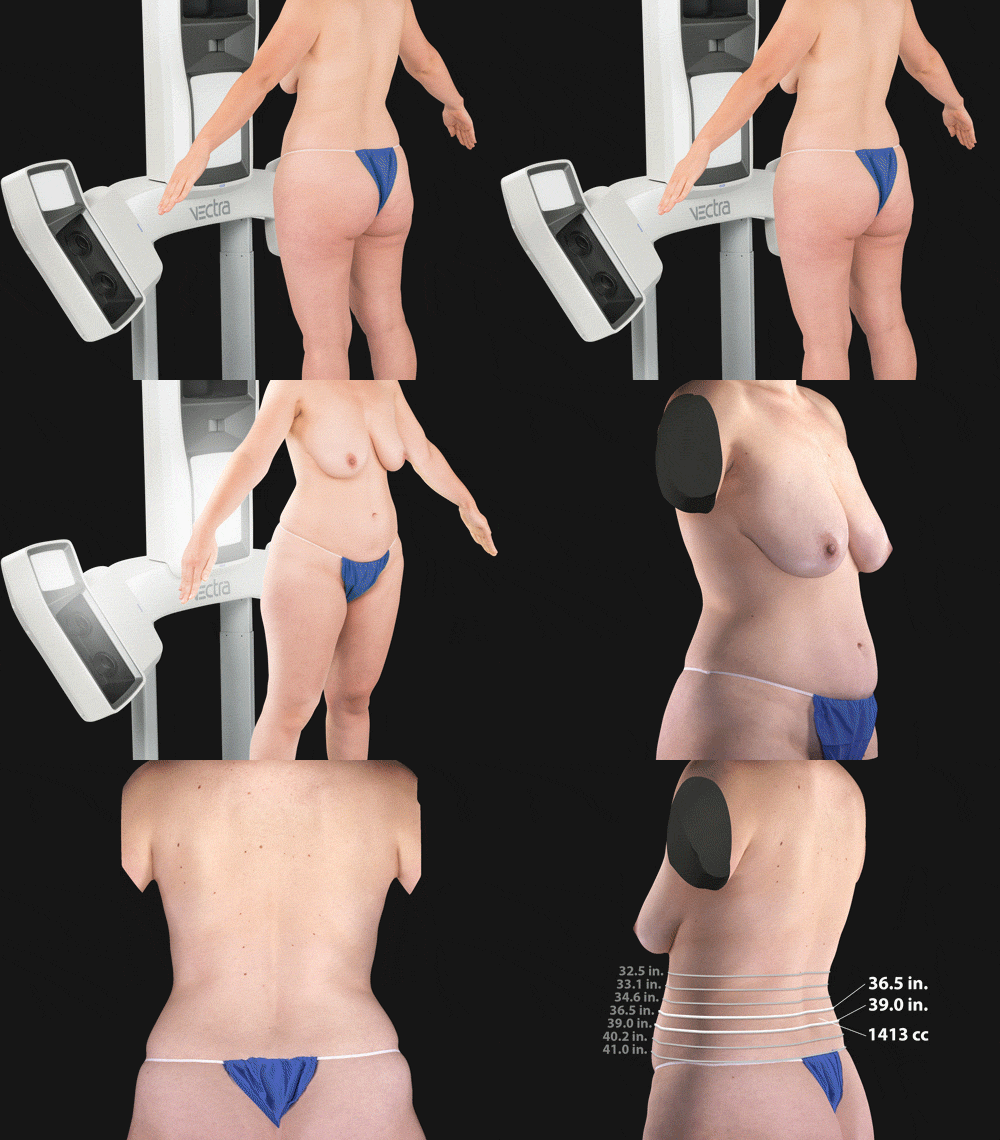
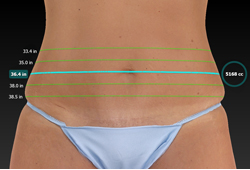
Now with 360° body imaging and circumferential measurements.
Read VECTRA testimonials.
 Brochure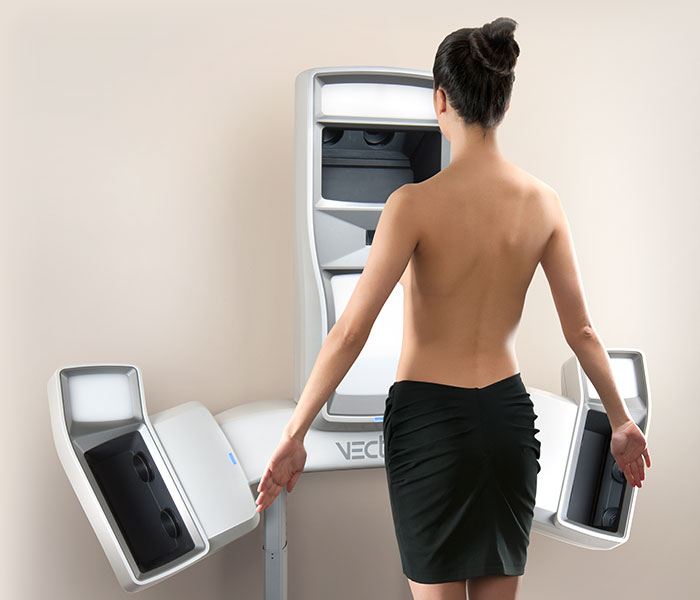




 Volney Pitombo, MD,
 Prof. Dr. Josep Malvehy,
 Tiago Baptista Fernandes, MD,
 Dr. Patricia Ogilvie,
 Patricia McGuire, MD,
 Clark Schierle, MD, PhD, FACS,
 Kenneth A. Smith, MD, FRCSC,
 Gary Tuma, MD, FACS,
 Oren Tepper, MD,
 Isaac Starker, MD, FACS,
 Jennifer L. Walden, MD, FACS,
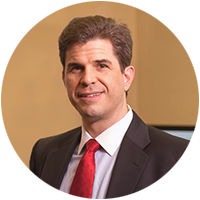 Michael A. Bogdan, MD, FACS,
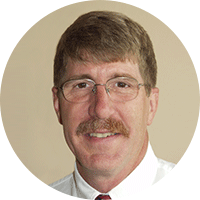 Brentley A. Buchele, MD, MBA,
 Mitchell Brown, MD, MEd, FRCSC,
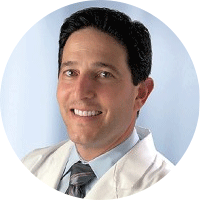 Michael R. Schwartz, MD, FACS,
 Brad Bengtson, MD,
 Allen Rosen, MD,
 Simeon Wall, Jr., MD, FACS,
 Gary D. Breslow, MD, FACS,
 Caroline A. Glicksman, MD, FACS,
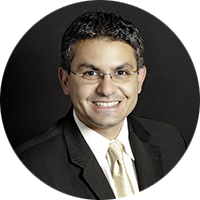 Allen Gabriel, MD, FACS,
 Kristina O'Shaughnessy, MD,
 William P. Adams Jr., MD,
 Farid Kazem, MD,
 Mathew Mosher, MD,
 Timothy Connall, MD, FACS,
 Robert Zubowski, MD,
 Paul M. Parker, MD, FACS,
 Mark D. Epstein, MD, FACS,
 Terrence Scamp, MBBS, FRACS,
 Louis P. Bucky, MD, FACS,
 Christine Stiles, MD,
 Stephan Finical, MD, FACS,